HubSpot inteqrasiyası
Aşağıdakı təlimatları izləyərək Seatext-i saytınıza quraşdırın. Quraşdırma prosesi təhlükəsizdir və AI aktivləşənə qədər passiv qalır, bu da saytınızın məzmununun bütövlüyünü təmin edir. Skripti quraşdırmadan əvvəl SEATEXT AI hesabına ehtiyacınız var. Hələ hesabınız yoxdursa, BURADA bir hesab yarada bilərsiniz.
HubSpot inteqrasiyası
Addım‑addım inteqrasiya
Aşağıdakı bölmədə göstərilən SEATEXT AI‑nin Javascript kodunu kopyalayın.
SEATEXTCODEINTEGRATION
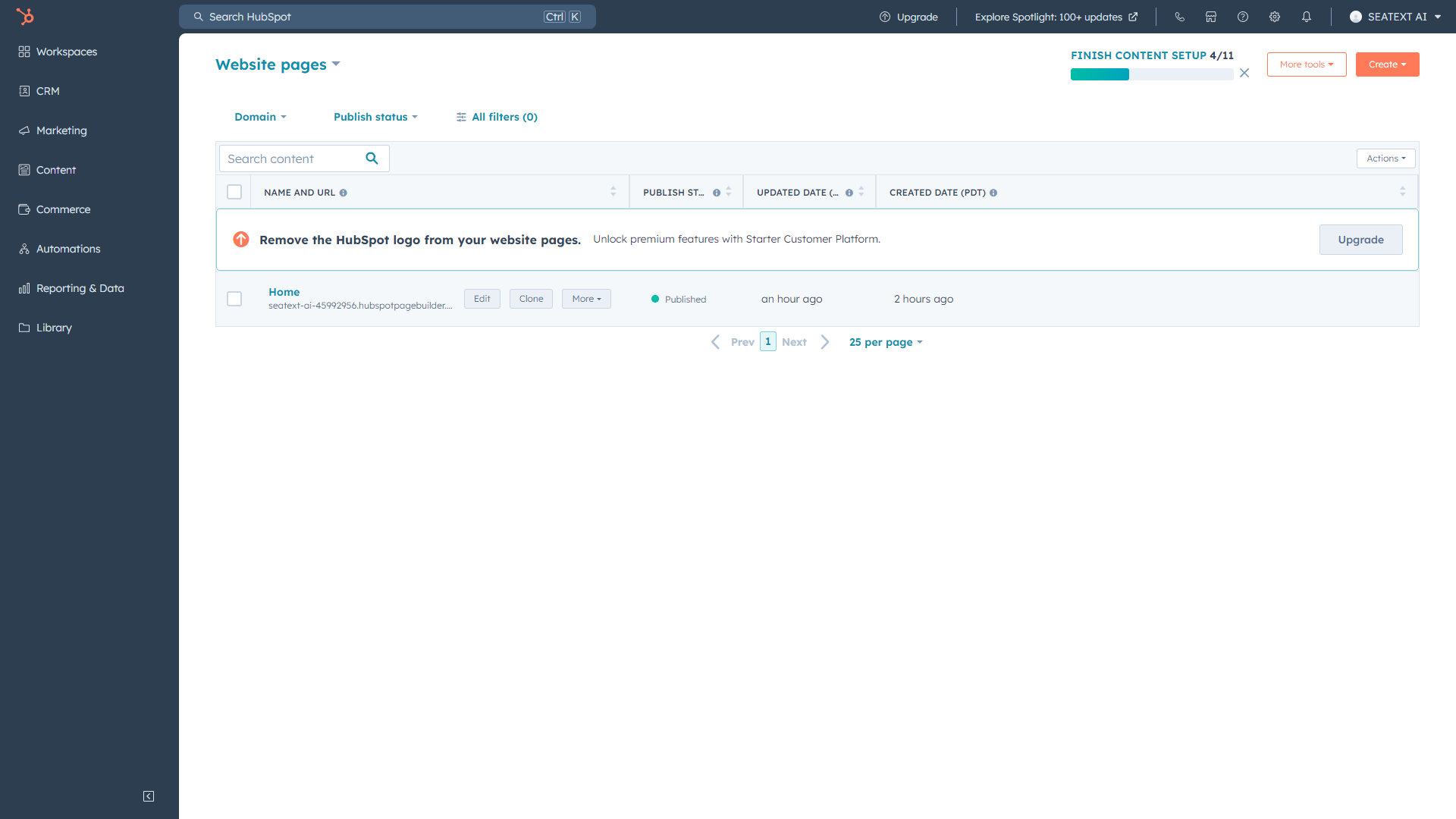
HubSpot hesabınızı açın, SEATEXT AI əlavə etmək istədiyiniz səhifəni seçin və redaktə edin.
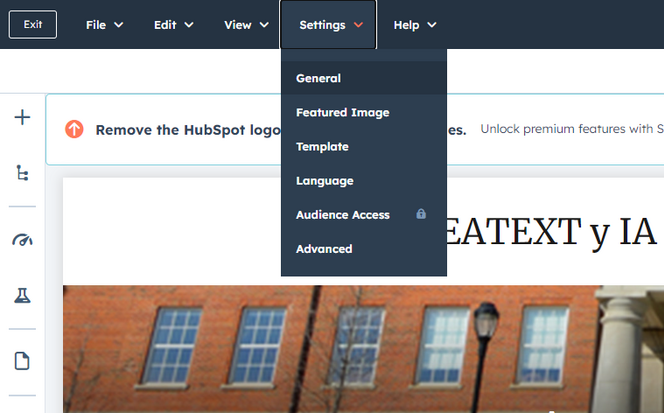
HubSpot saytınızda “Settings” > “General” bölməsinə klikləyin.
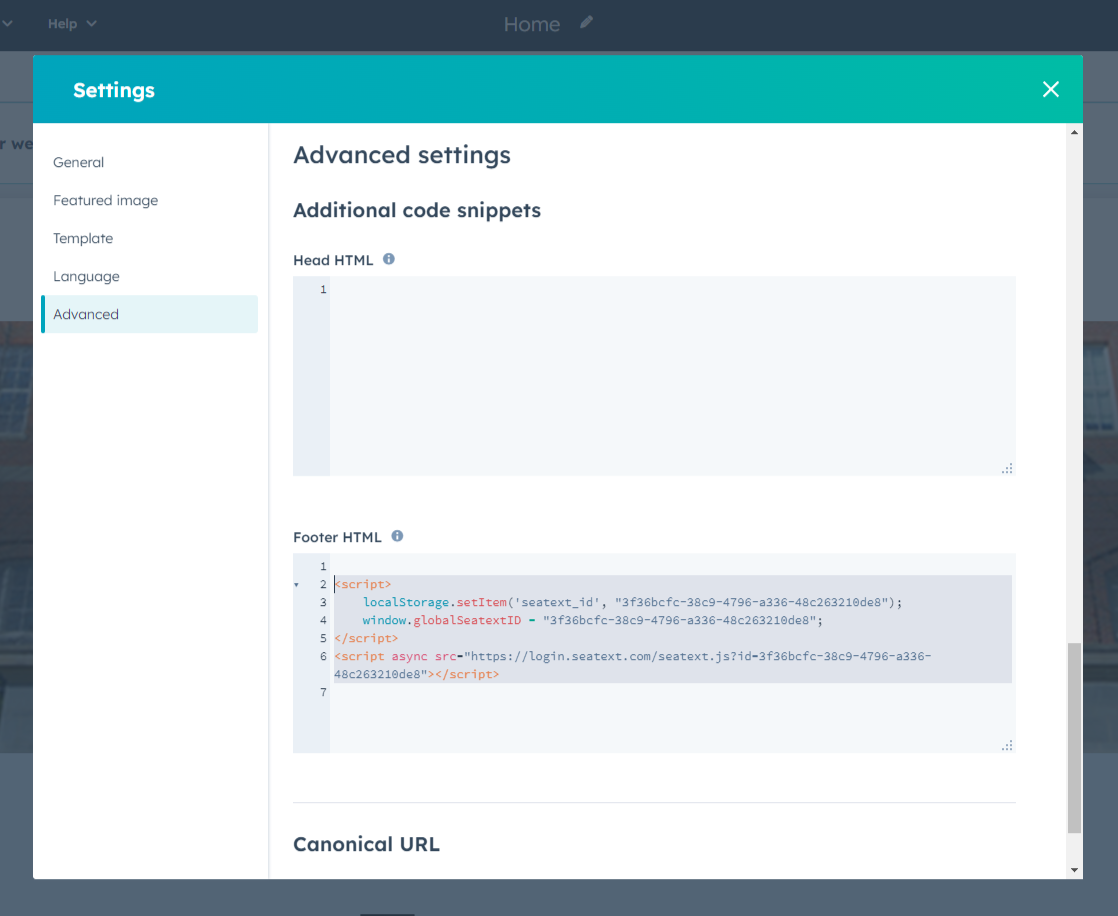
“Advanced” bölməsinə keçin, burada “Footer HTML” adlı sahəni görəcəksiniz. Verilən JavaScript kodunu kopyalayıb yapışdırın. O, aşağıdakı nümunəyə bənzəyəcək.
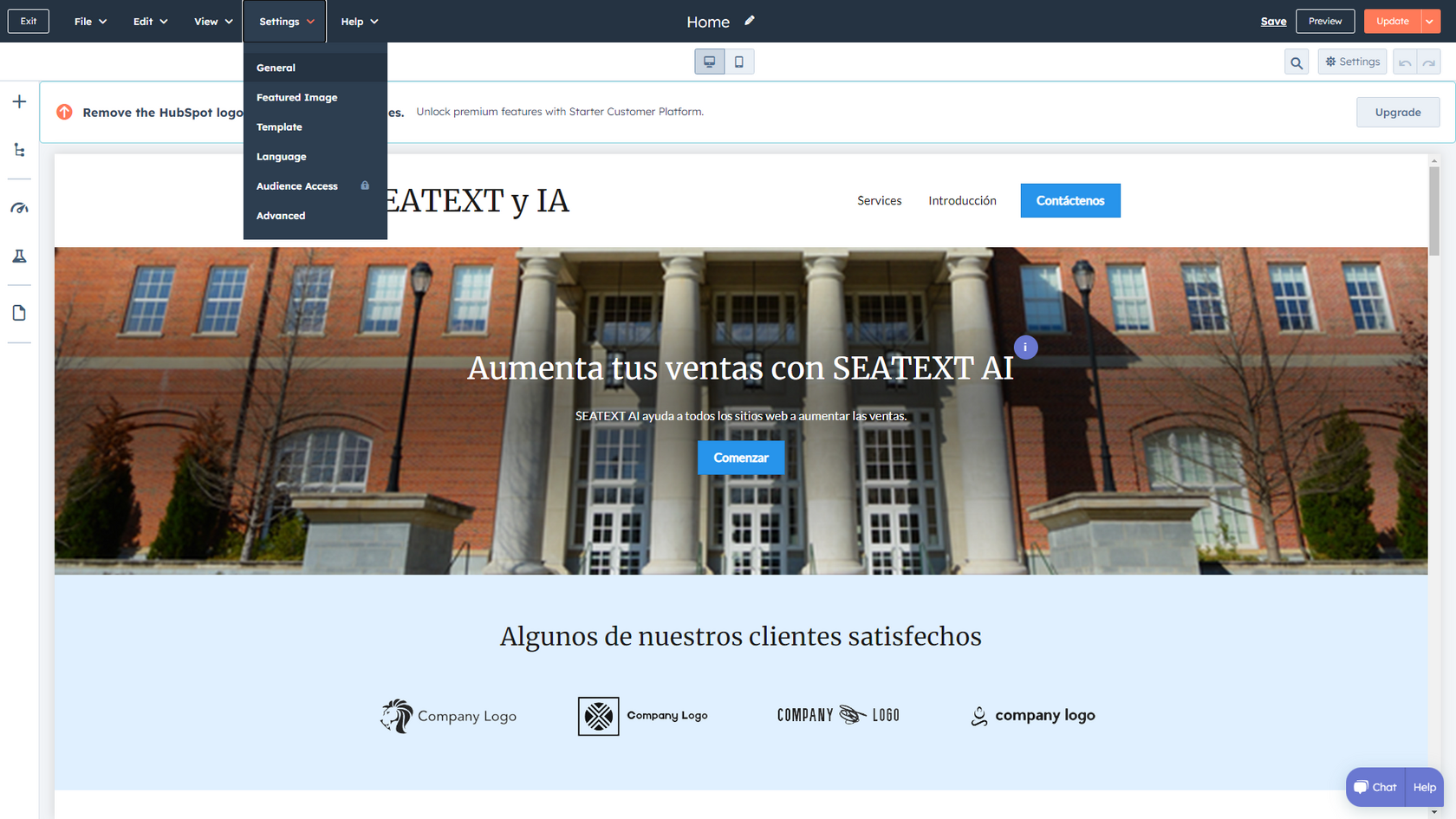
Dəyişikliklərinizi yuxarı sağ küncdəki narıncı düyməyə klikləyərək dərc edin.
Çoxlu domenlər. SEATEXT AI‑ni bir neçə domen (məsələn, inkişaf və istehsal domenləri) üzərində istifadə etmək istəyirsinizsə, hər domen üçün ayrı hesab yaratmalısınız. Hər SEATEXT AI hesabı tək bir əsas URL‑ə bağlıdır. Təhlükəsizlik səbəbindən localhost kimi inkişaf URL‑ləri məhdudlaşdırılır. Bu hallarda etibarlı, real domen istifadə edin. Dinamik inkişaf domenləri düzgün işləməyə bilər, çünki SEATEXT AI trafikini hesabınıza etibarlı şəkildə bağlaya bilməyə bilər. Çoxlu veb‑saytlarda SEATEXT AI‑ni istifadə etmək üçün hər sayt üçün ayrıca hesab yaradın.
Vacib: Saytınızı bir neçə dəfə ziyarət edin və ya yeniləyin, səhifədə ən azı 40 saniyə qalın — bu, AI‑ni aktivləşdirib hesabınıza bağlayacaq.
Vacib: SEATEXT loqosunun yanında sayt adınızın bu səhifənin yuxarı hissəsində görünməsi üçün ən azı beş dəqiqə gözləyin. Bu, saytınızın qoşulduğunu və növbəti mərhələyə keçməyə hazır olduğunu göstərir. Əgər 10 dəqiqə keçdikdən sonra hələ də görünmürsə, dərhal dəstək komandamızla əlaqə saxlayın. Bu, quraşdırma zamanı problem yarandığını göstərə bilər və köməyimizə ehtiyacınız ola bilər.
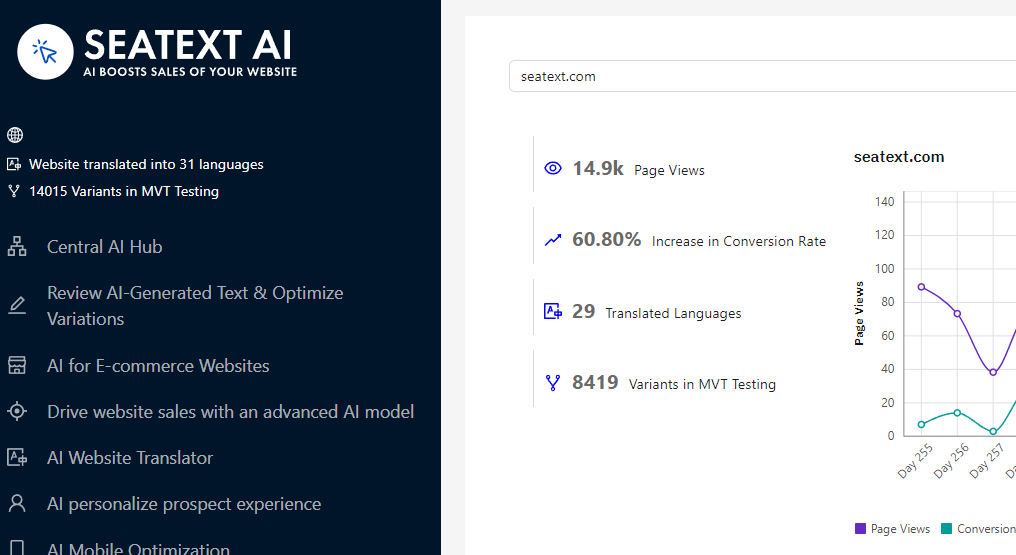
AI‑nın aktivləşdirilməsi. Lazımi AI‑ni seçdiyiniz səhifələrdə işə salmaq üçün Main AI Hub‑a keçin. AI parametrlərini tənzimləmək üçün “Configuration” bölməsinə klikləyin. İstəyə bağlı redaktə: SEATEXT AI test üçün ilkin avtomatik tərcümələr və variantlar təqdim edir. SEATEXT AI hesabınıza daxil olun, sol paneldə “Variants Edit” bölməsinə keçin və redaktə etmək istədiyiniz URL‑i və dili seçin. Burada variantlar üçün tərcümələri gözdən keçirə, yarada və ya əl ilə redaktə edə bilərsiniz.
