Tilda integration
Install Seatext on your website by following the instructions below. The installation process is secure, and the AI remains inert until activated, ensuring the integrity of your website's content. Before you can install the script, you need a SEATEXT AI account. If you don't have an account yet, you can create one HERE
Tilda integration
Integrace krok za krokem
Zkopírujte si kód Javascript z SEATEXT AI, který se zobrazuje v této sekci níže.
SEATEXTCODEINTEGRATION
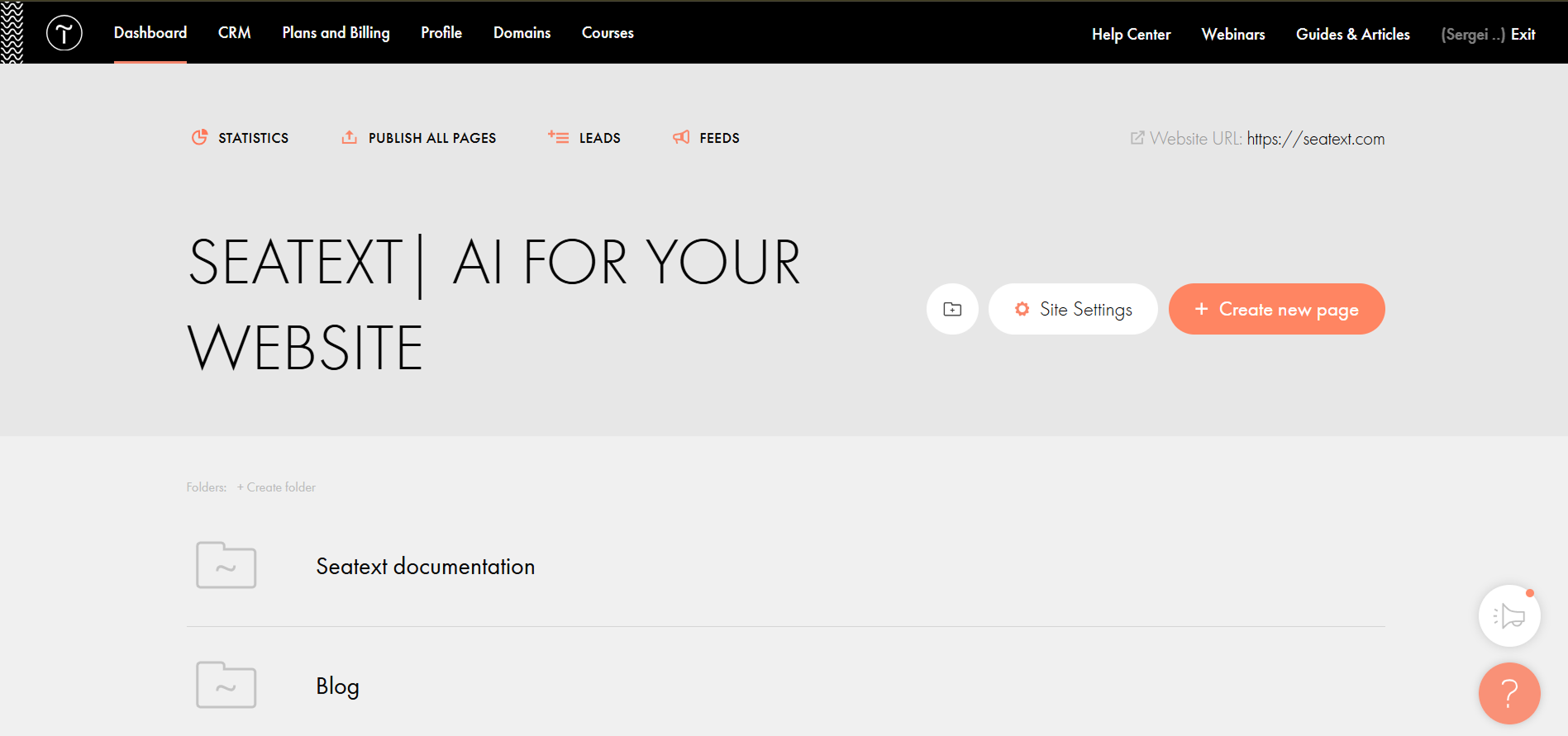
Paste the Javascript code from Seatext on your website To insert code in the head of all website pages, go to the Site Settings.
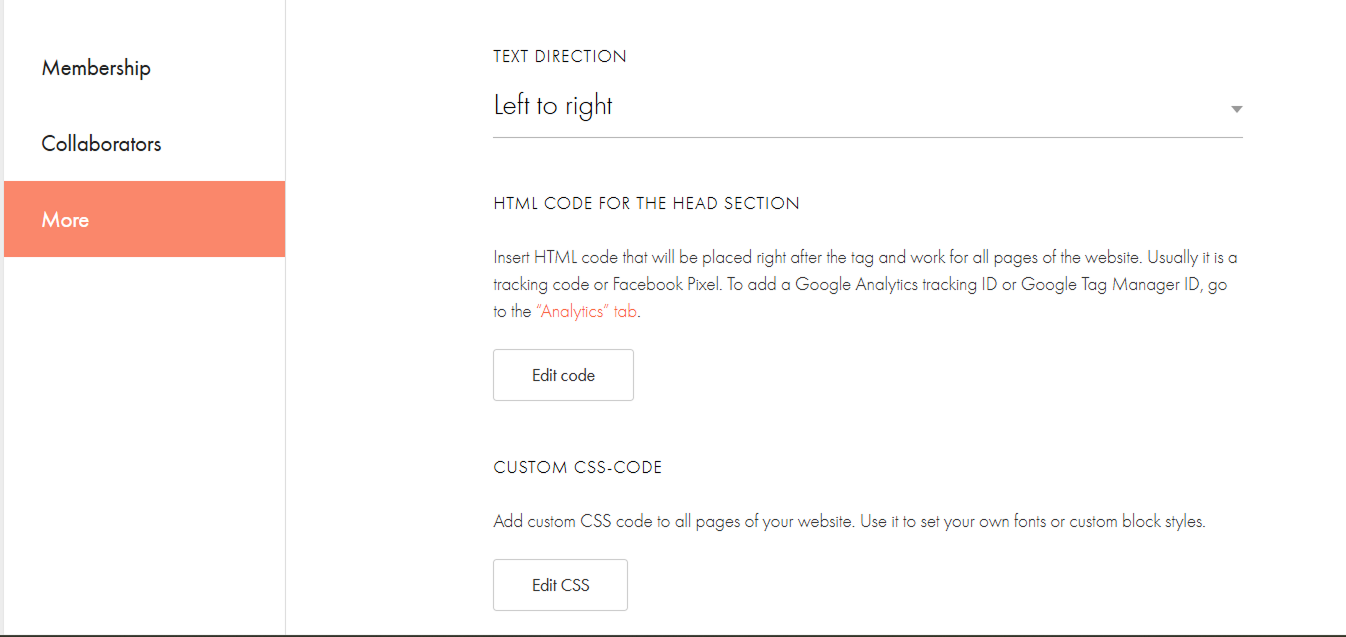
Click on More → HTML code for the head section → Edit code.
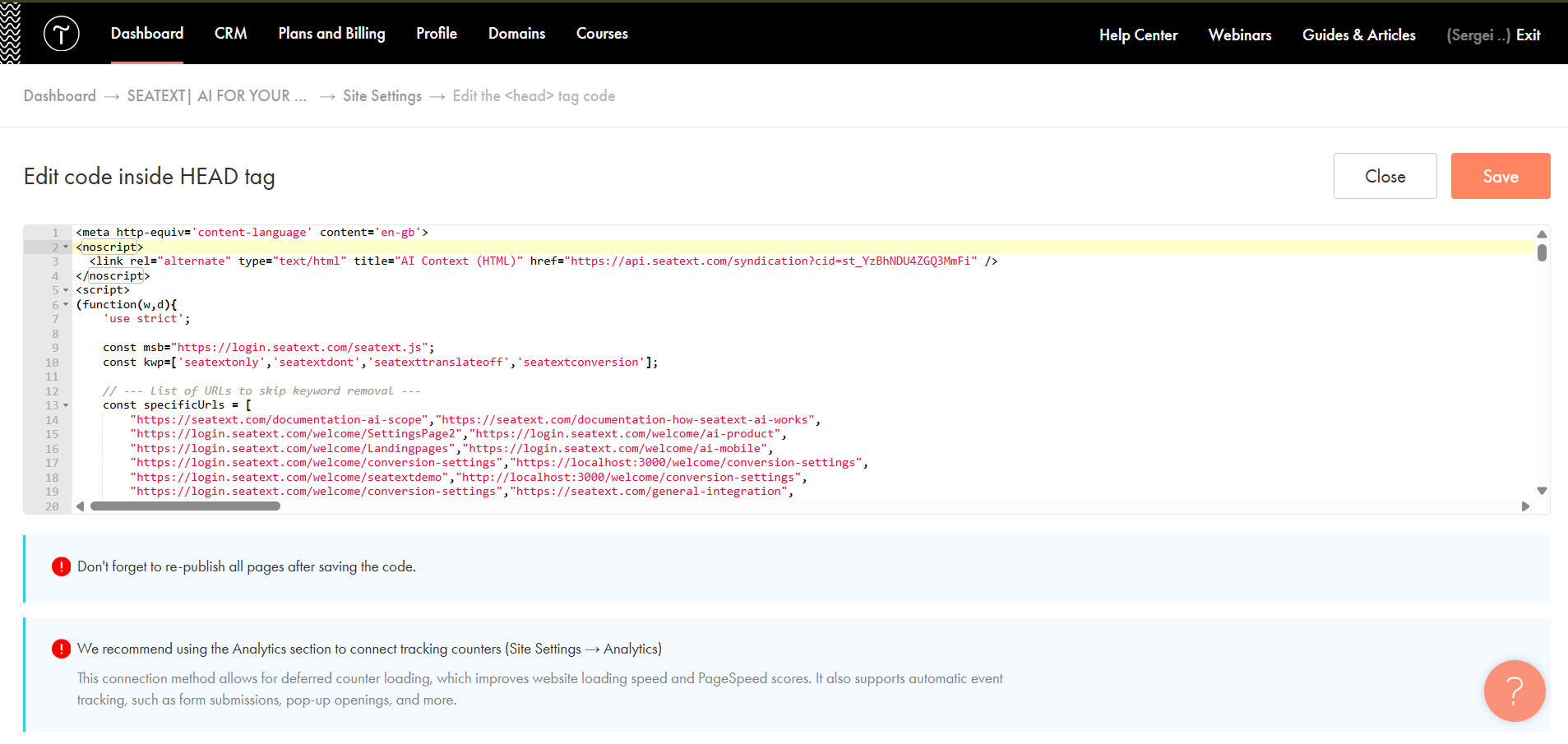
Paste the code into the field labeled 'Edit code inside HEAD tag' , then save and publish your site.
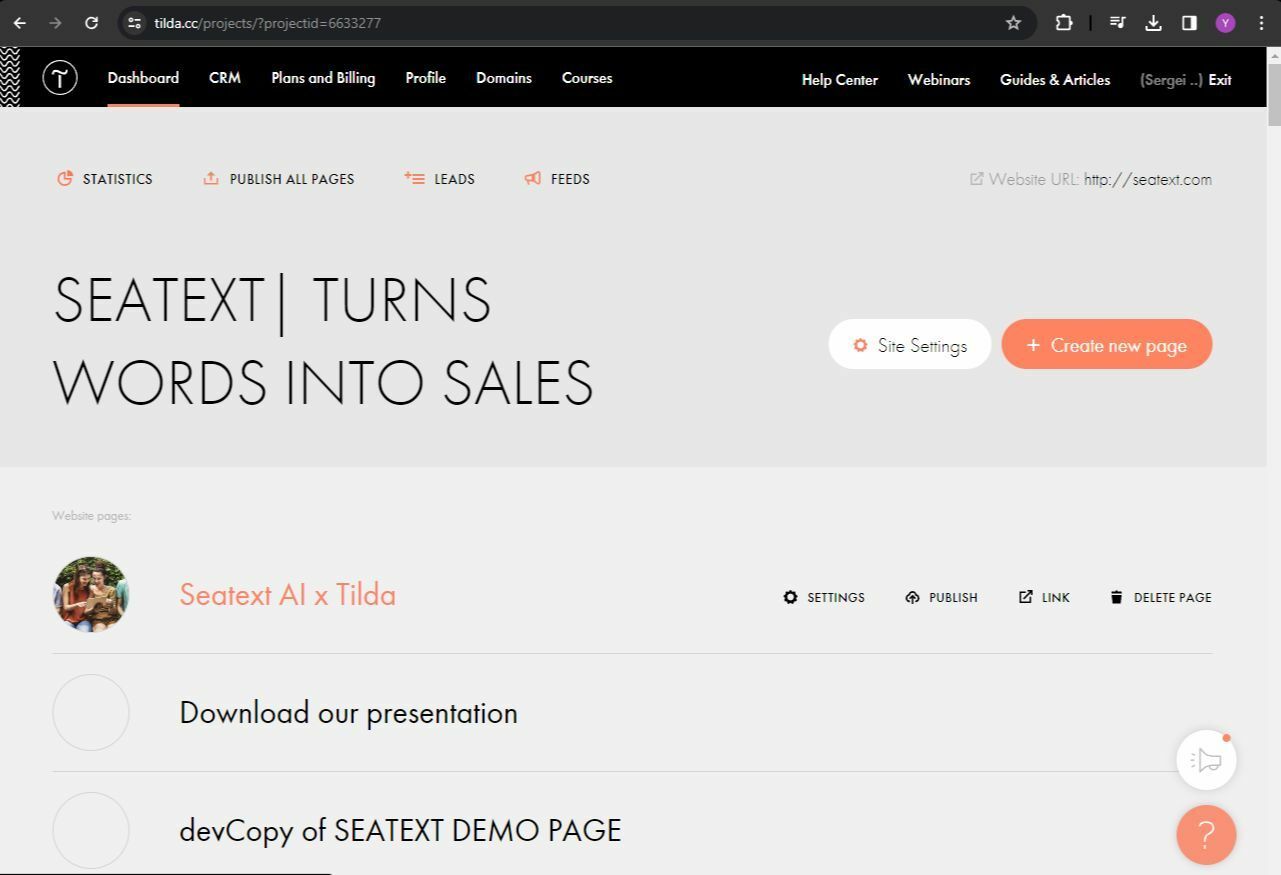
If you want to insert code in the head of a particular page: Access your Tilda dashboard and navigate to the page that you wish to translate.
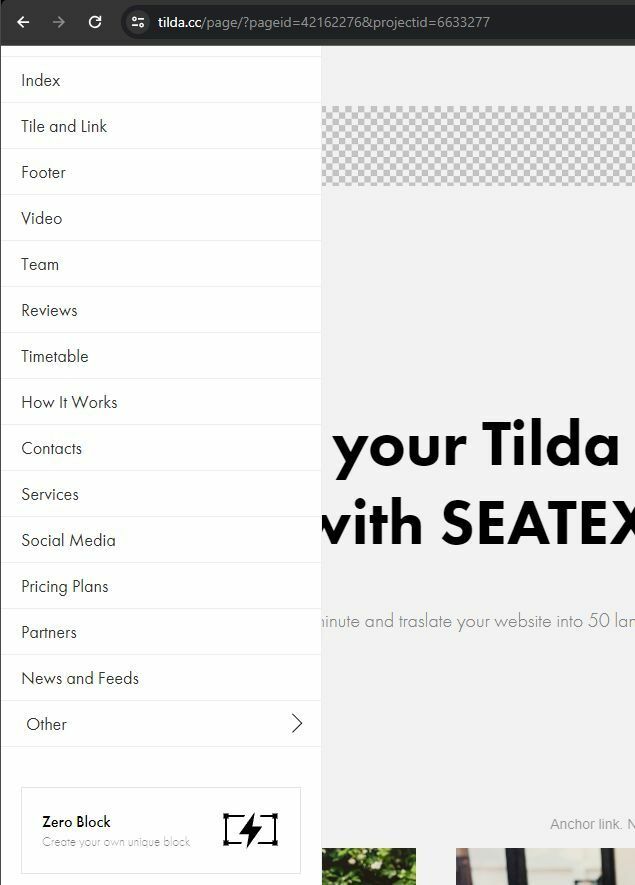
Click on the "+" icon to add a new block to the page. Choose the block named T123 from the options provided.
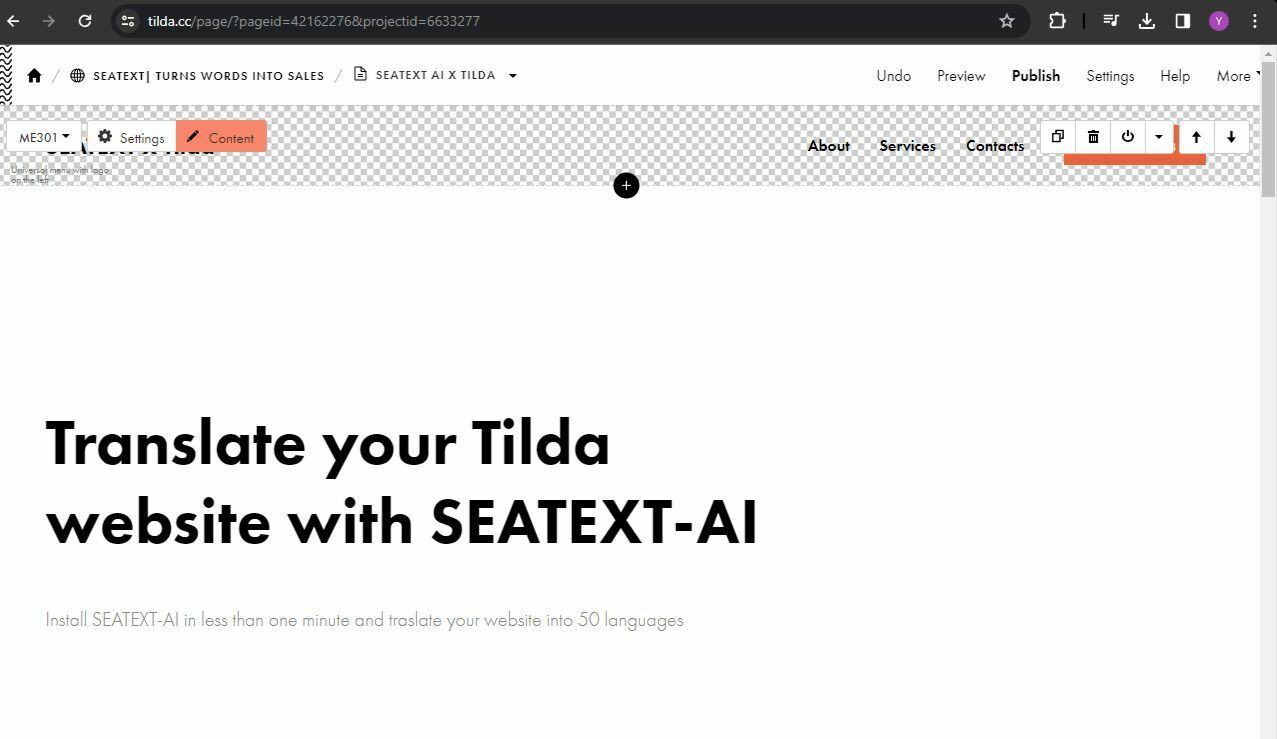
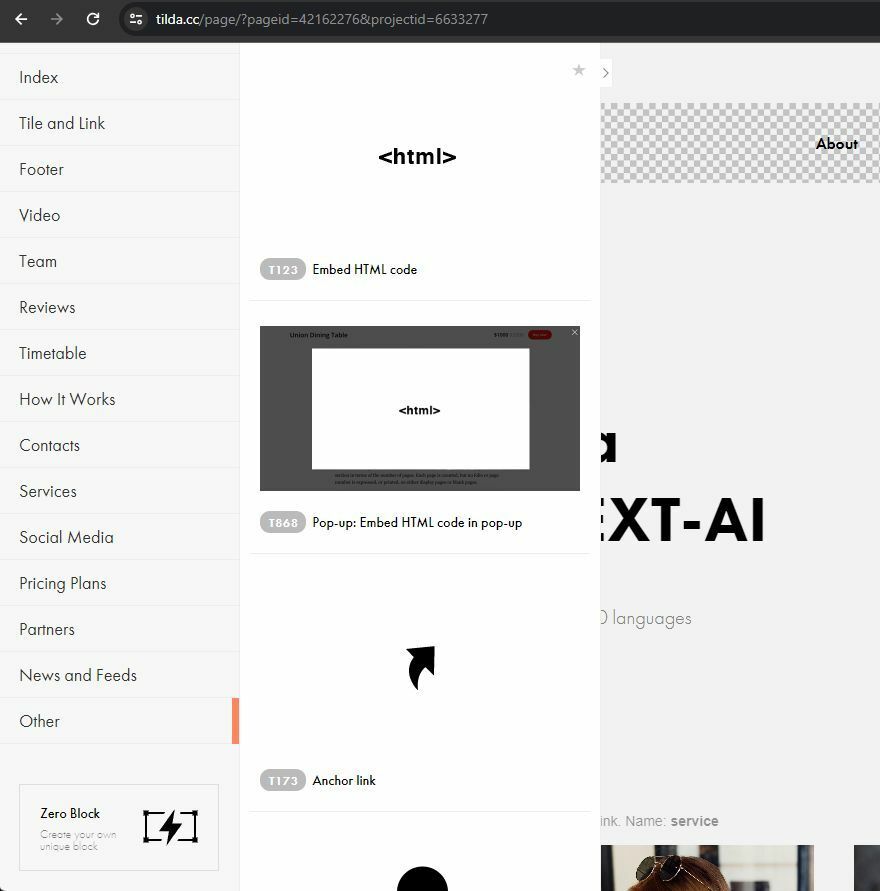
Scroll down and select "Other" from the block options.
You have now successfully installed SEATEXT AI on your website using JavaScript.
Locate and select the block named T123, which enables the addition of embedded HTML code.
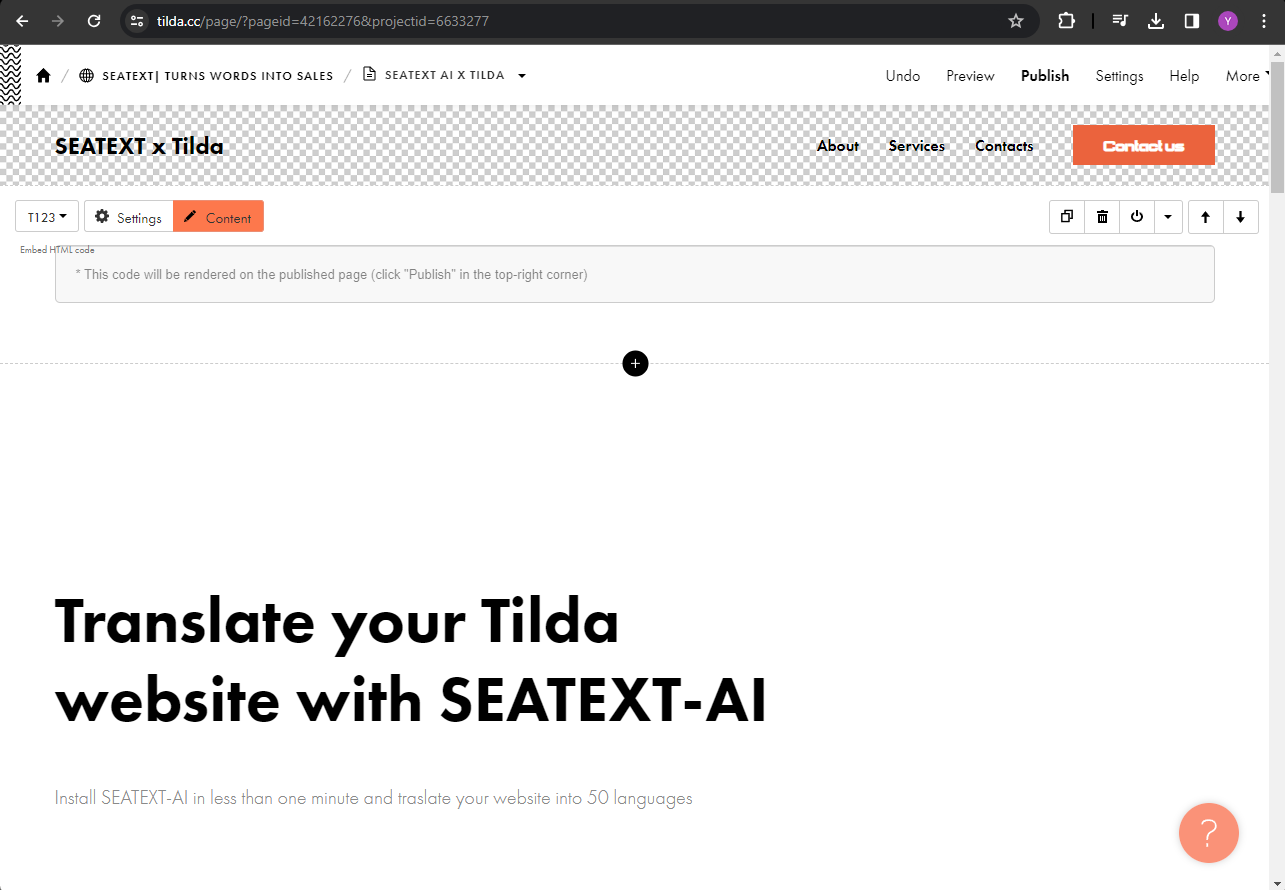
Once the block is added to the page, click on "Content" to access the HTML editor.
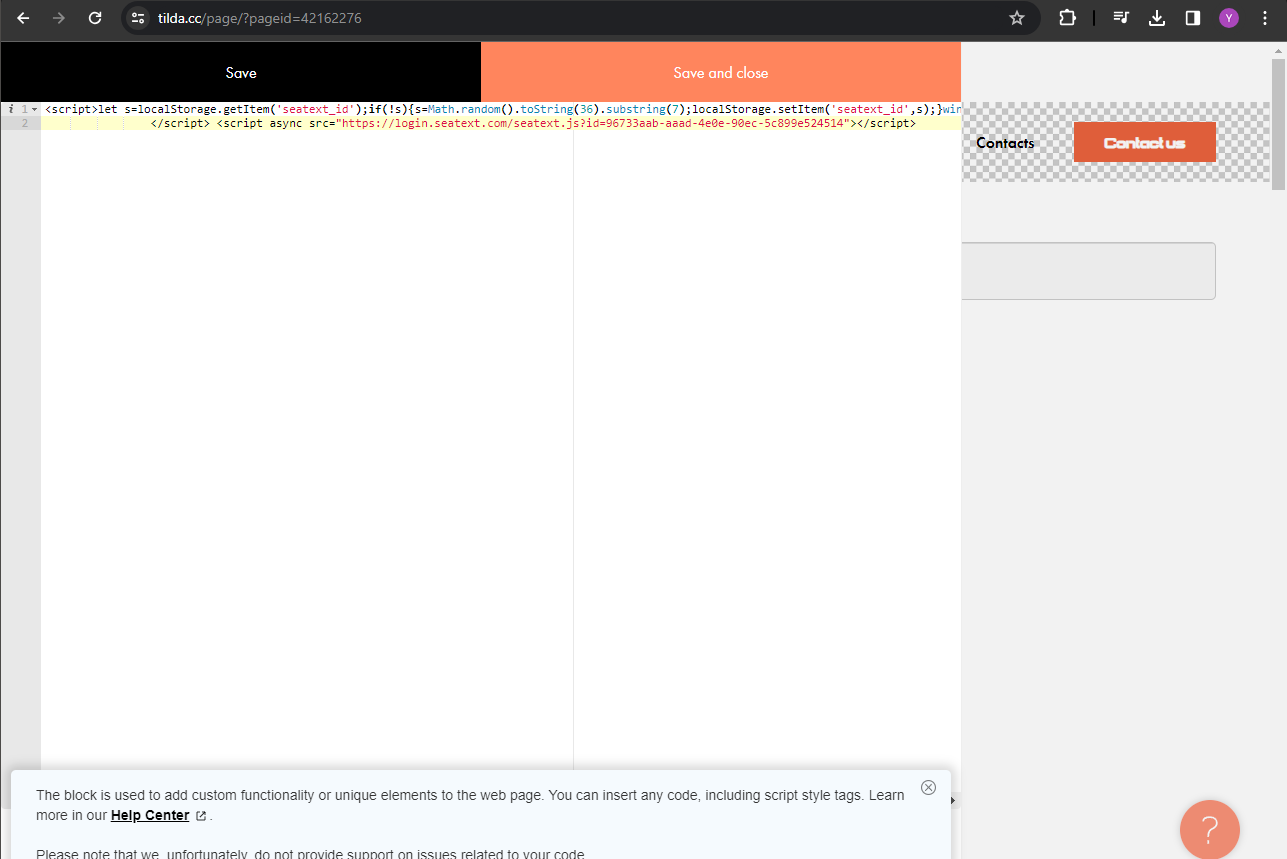
Paste the code snippet provided by SEATEXT AI into the HTML editor. Then, click on "Save and Close" to apply the changes.
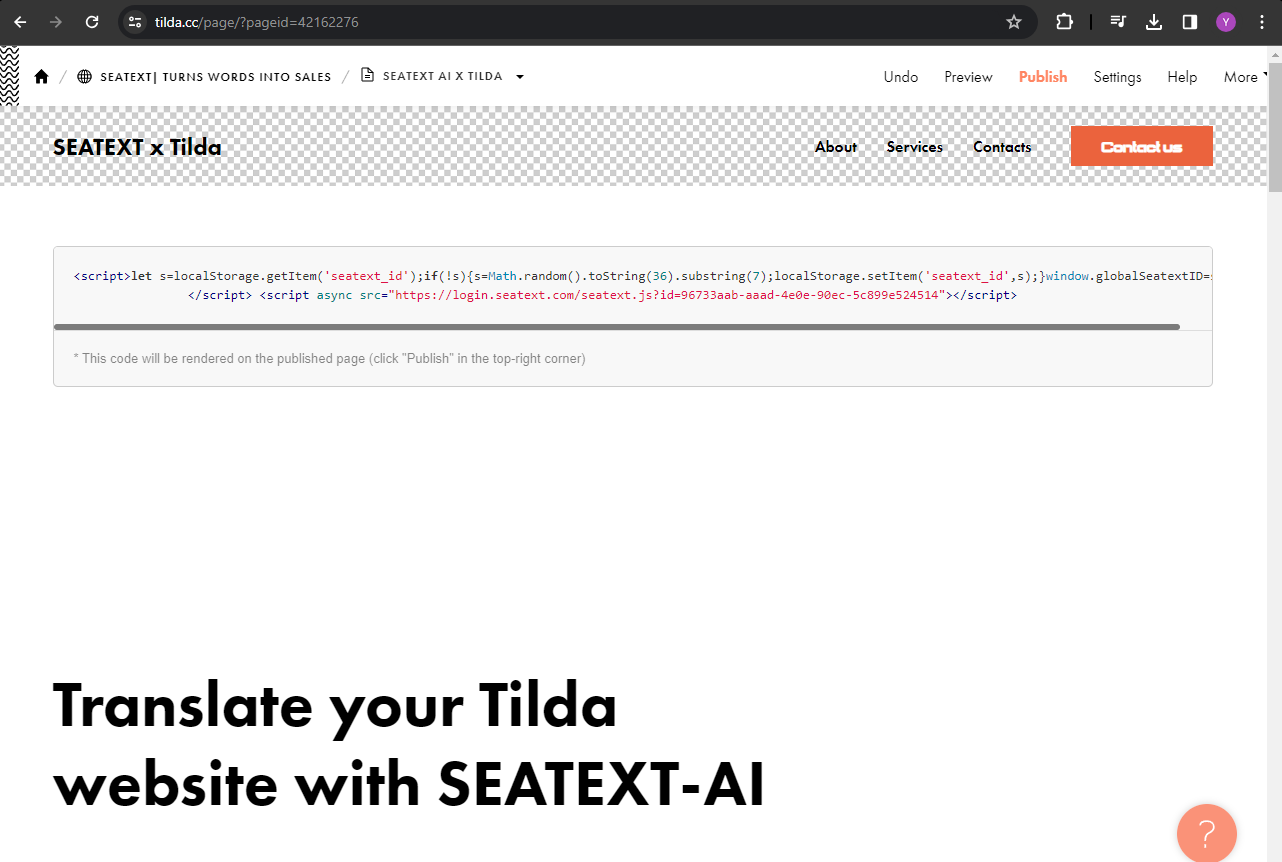
You will see the code successfully added to the page. Finally, click on "Publish" to make the changes live on your website.
You have now successfully installed SEATEXT AI on your website using JavaScript.
You will see the code successfully added to the page. Finally, click on "Publish" to make the changes live on your website.
Paste the code snippet provided by SEATEXT AI into the HTML editor. Then, click on "Save and Close" to apply the changes.
Once the block is added to the page, click on "Content" to access the HTML editor.
Locate and select the block named T123, which enables the addition of embedded HTML code.
Locate and select the block named T123, which enables the addition of embedded HTML code.
Once the block is added to the page, click on "Content" to access the HTML editor.
Paste the code snippet provided by SEATEXT AI into the HTML editor. Then, click on "Save and Close" to apply the changes.
You will see the code successfully added to the page. Finally, click on "Publish" to make the changes live on your website.
Multiple Domains If you need to use SEATEXT AI on multiple domains (e.g., a development domain and a production domain), you must create separate accounts for each domain. Each SEATEXT AI account is linked to a single primary URL. Restrictions and Security Development URLs, such as localhost, are restricted for security reasons. Ensure you use a valid, real domain for these cases. Dynamic development domains may not function properly, as SEATEXT AI might be unable to reliably associate traffic with your account. Using SEATEXT AI on Multiple Websites To use SEATEXT AI on several websites, create one account for each website.
Důležité: Navštivte nebo obnovte svůj web několikrát a zůstaňte na stránce alespoň 40 sekund – tím aktivujete AI a propojíte ji s vaším účtem.
Důležité: Počkejte alespoň pět minut, dokud neuvidíte název svého webu zobrazený vedle loga SEATEXT v horní části této stránky. To znamená, že je váš web připojen a připraven k přechodu na další krok. Pokud jej neuvidíte v horní části stránky do 10 minut, okamžitě kontaktujte náš tým podpory. To může indikovat problém během instalace na vaší platformě a možná budete potřebovat naši pomoc.
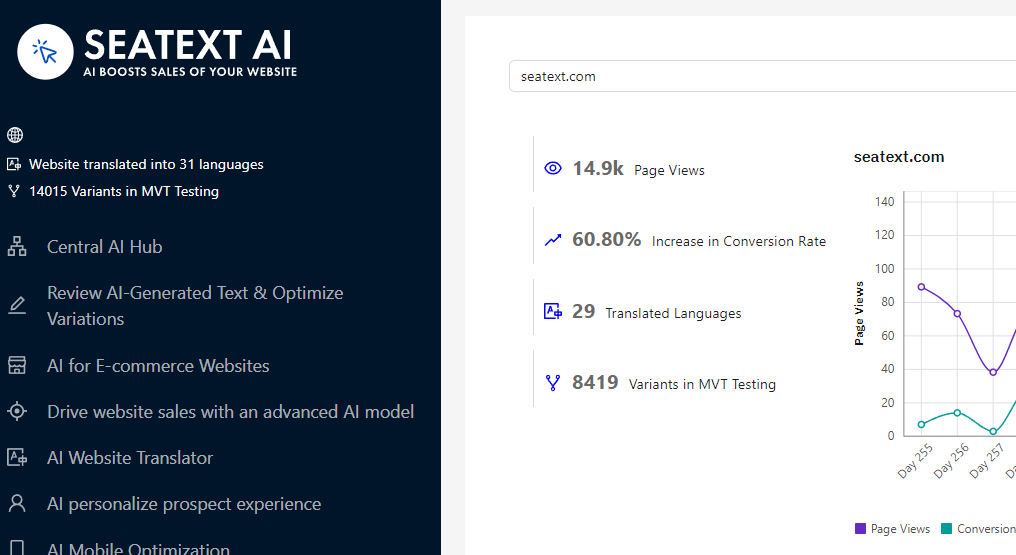
Aktivace AI Přejděte do Main AI Hub, abyste aktivovali potřebnou AI na požadovaných stránkách. Klikněte na "Configuration" pro úpravu parametrů AI. Volitelné úpravy: SEATEXT AI poskytuje počáteční sadu automatických překladů a variant pro testování. Přihlaste se ke svému účtu SEATEXT AI, v levém panelu přejděte na "Variants Edit" a vyberte URL a jazyk, který chcete upravit. Zde můžete prohlížet, vytvářet nebo ručně upravovat překlady svých variant.