Carrd installation
Интеграция с Carrd
Для установки пользовательского кода на ваш сайт Carrd вам требуется тарифный план Pro Standard или выше.
Интеграция с Carrd
Для установки пользовательского кода на ваш сайт Carrd вам требуется тарифный план Pro Standard или выше.
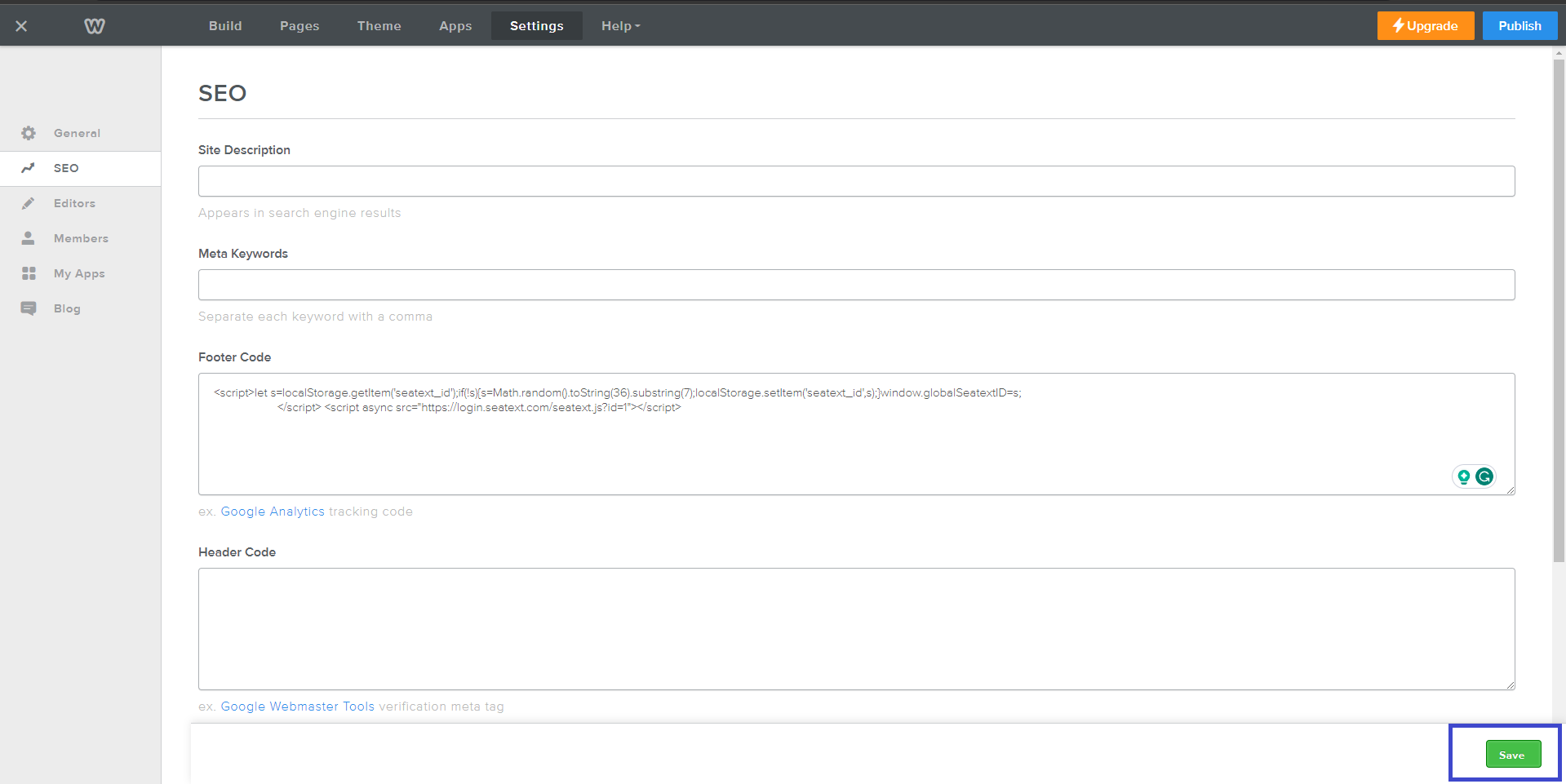
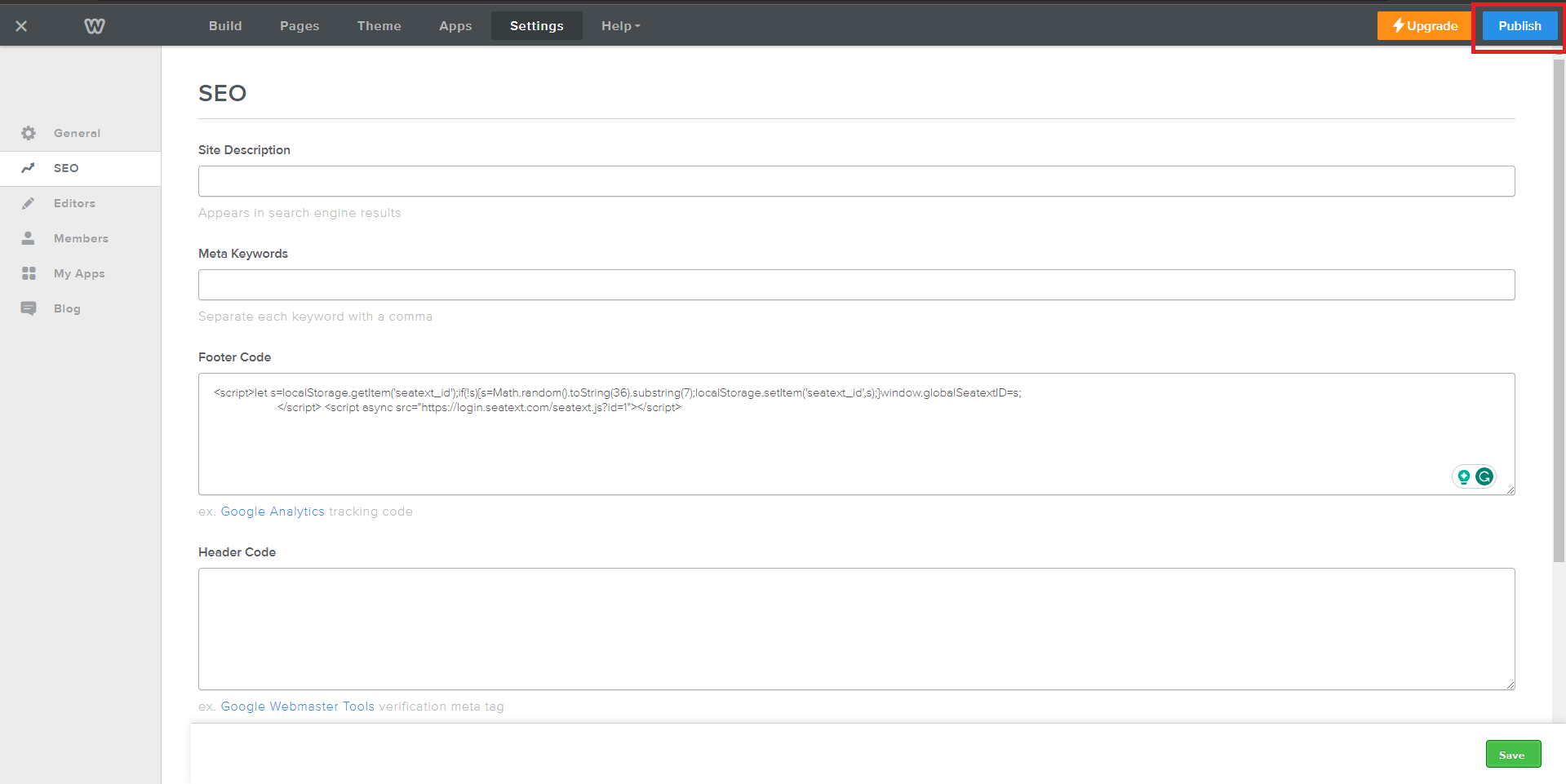
Copy the JavaScript code provided by SEATEXT AI, which can be found in the section below .
Пошаговая интеграция
1
Copy the JavaScript code provided by SEATEXT AI, which can be found in the section below .
Пошаговая интеграция
1
SEATEXTCODEINTEGRATION
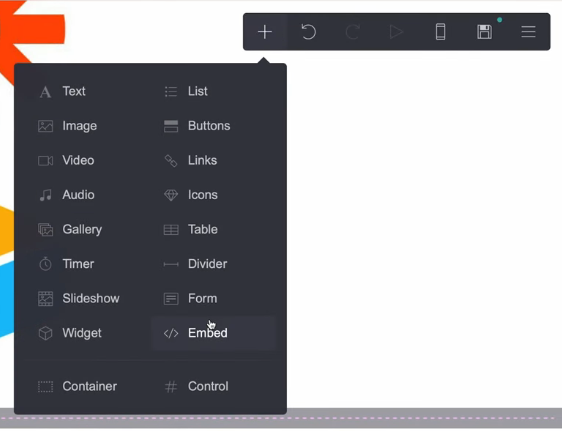
Access your website editor and navigate to the desired page where you wish to integrate SEATEXT AI. Click on "+ Add Element" and select " Embed" from the options provided.
Вы успешно установили SEATEXT AI на свой сайт с помощью JavaScript.
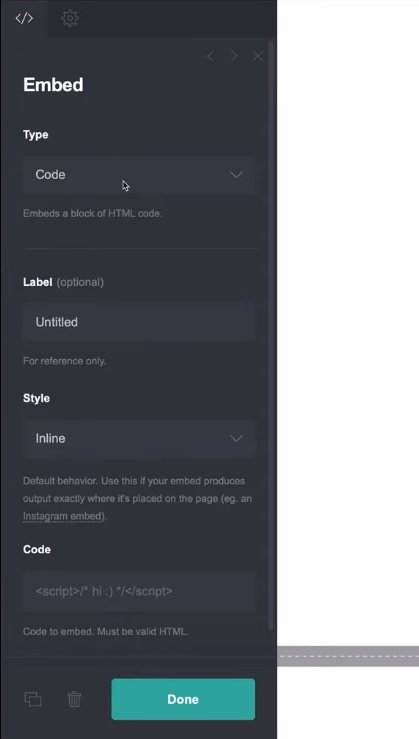
In the left panel, locate the "Type" option and choose "Code" from the dropdown menu. Adjust the embed's "Style" setting to "Hidden" to ensure seamless integration. Paste the code snippet provided by SEATEXT AI into the designated "Code" section. Once the code is inserted, click on "Done" to save your changes.
Наконец, нажмите "Save", чтобы применить интеграцию и добавить SEATEXT AI на ваш сайт Carrd.
Access your website editor and navigate to the desired page where you wish to integrate SEATEXT AI. Click on "+ Add Element" and select "</> Embed" from the options provided.
Вы успешно установили SEATEXT AI на свой сайт с помощью JavaScript.
Наконец, нажмите "Save", чтобы применить интеграцию и добавить SEATEXT AI на ваш сайт Carrd.
In the left panel, locate the "Type" option and choose "Code" from the dropdown menu. Adjust the embed's "Style" setting to "Hidden" to ensure seamless integration. Paste the code snippet provided by SEATEXT AI into the designated "Code" section. Once the code is inserted, click on "Done" to save your changes.

Подключение SEATEXT AI к вашему сайту
2
Подключение SEATEXT AI к вашему сайту
2
a. Use the form below to add your website address in the format (www.example.com). SEATEXTURLPUSH
c. Подождите не менее пяти минут, пока вы не увидите название вашего сайта рядом с логотипом SEATEXT в верхней части этой страницы. Это указывает на то, что ваш сайт подключен и готов к переходу к следующему шагу. Если вы не видите его в верхней части страницы через 10 минут, немедленно обратитесь в нашу службу поддержки. Это может указывать на проблему во время установки на вашей платформе, и вам может потребоваться наша помощь.
IMPORTANT b. Visit your website once and stay on your page for at least 40 seconds—this will activate the AI and link it to your account.
a. Use the form below to add your website address in the format (www.example.com). SEATEXTURLPUSH
IMPORTANT b. Visit your website once and stay on your page for at least 40 seconds—this will activate the AI and link it to your account.
c. Подождите не менее пяти минут, пока вы не увидите название вашего сайта рядом с логотипом SEATEXT в верхней части этой страницы. Это указывает на то, что ваш сайт подключен и готов к переходу к следующему шагу. Если вы не видите его в верхней части страницы через 10 минут, немедленно обратитесь в нашу службу поддержки. Это может указывать на проблему во время установки на вашей платформе, и вам может потребоваться наша помощь.

Активация ИИ
3
Активация ИИ
3
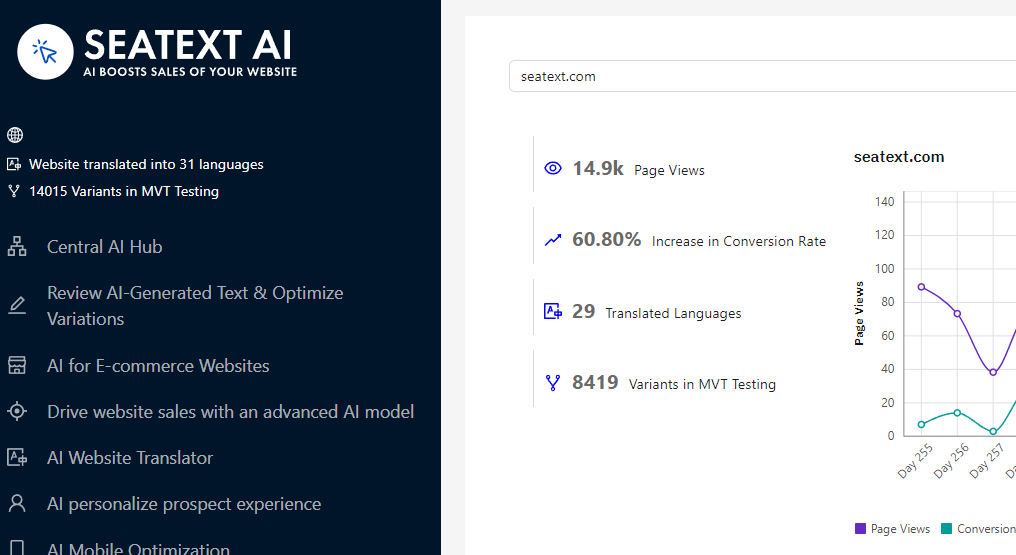
Proceed to the Main AI Hub to activate the necessary AI on your preferred pages. Click on "Configuration" to adjust the AI parameters. Optional Editing: SEATEXT AI provides your initial round of automatic translations and variants for testing. Log in to your SEATEXT AI account, navigate to "Variants Edit" in the left panel, and select the URL and language you wish to edit. Here, you can review, create, or manually edit translations for your variants.
Proceed to the Main AI Hub to activate the necessary AI on your preferred pages. Click on "Configuration" to adjust the AI parameters. Optional Editing: SEATEXT AI provides your initial round of automatic translations and variants for testing. Log in to your SEATEXT AI account, navigate to "Variants Edit" in the left panel, and select the URL and language you wish to edit. Here, you can review, create, or manually edit translations for your variants.