Интеграция с Bigcartel
Установите Seatext на свой сайт, следуя инструкциям ниже. Процесс установки безопасен, а ИИ остаётся неактивным до запуска, что гарантирует сохранность контента вашего сайта. Прежде чем установить скрипт, вам понадобится аккаунт SEATEXT AI. Если у вас ещё нет аккаунта, создайте его ЗДЕСЬ
Интеграция с Bigcartel
*Bigcartel предоставляет полный доступ к разделу «Код интеграции» только в платных тарифах.
Пошаговая интеграция
Скопируйте код JavaScript из SEATEXT AI, который отображается в разделе ниже.
SEATEXTCODEINTEGRATION
Вставьте JavaScript‑код от Seatext на ваш сайт
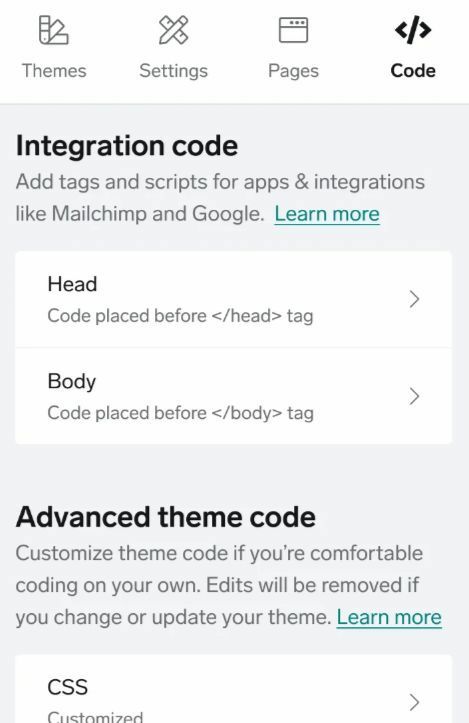
Перейдите в раздел «Аккаунт» в админке. Нажмите «Дизайн» и выберите вкладку «Код». В разделе «Код интеграции» выберите «Head».
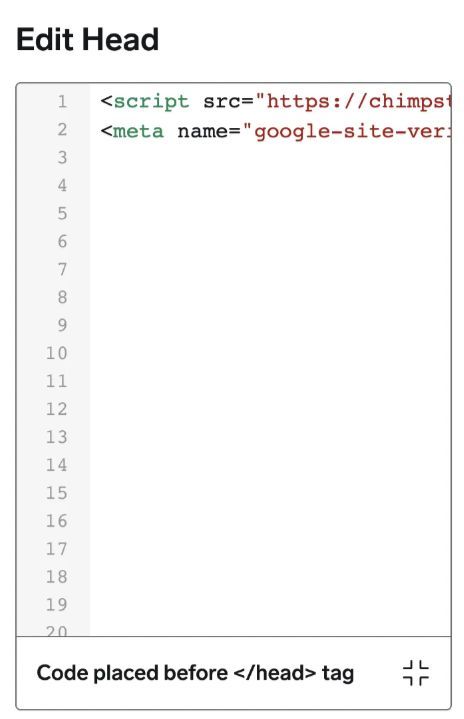
Вставьте фрагмент кода в раздел «Edit Head». Затем нажмите «Готово» и «Опубликовать».
Несколько доменов: если вам нужно использовать SEATEXT AI на нескольких доменах (например, на тестовом и рабочем), создайте отдельный аккаунт для каждого. Каждый аккаунт SEATEXT AI привязан к одному основному URL. Ограничения и безопасность: разработческие URL вроде localhost запрещены по соображениям безопасности. Используйте действительный реальный домен. Динамические разработческие домены могут работать некорректно, так как SEATEXT AI не сможет надежно связать трафик с вашим аккаунтом. Использование SEATEXT AI на нескольких сайтах: для каждого сайта создайте отдельный аккаунт.
Важно: посетите или обновите свой сайт несколько раз и оставайтесь на странице минимум 40 секунд — это активирует ИИ и привяжет его к вашему аккаунту.
Важно: подождите хотя бы пять минут, пока название вашего сайта не появится рядом с логотипом SEATEXT вверху этой страницы. Это значит, что сайт подключен и готов к следующему шагу. Если название не появится через 10 минут, сразу обратитесь в службу поддержки. Возможно, при установке на вашей платформе возникла проблема, и вам потребуется наша помощь.
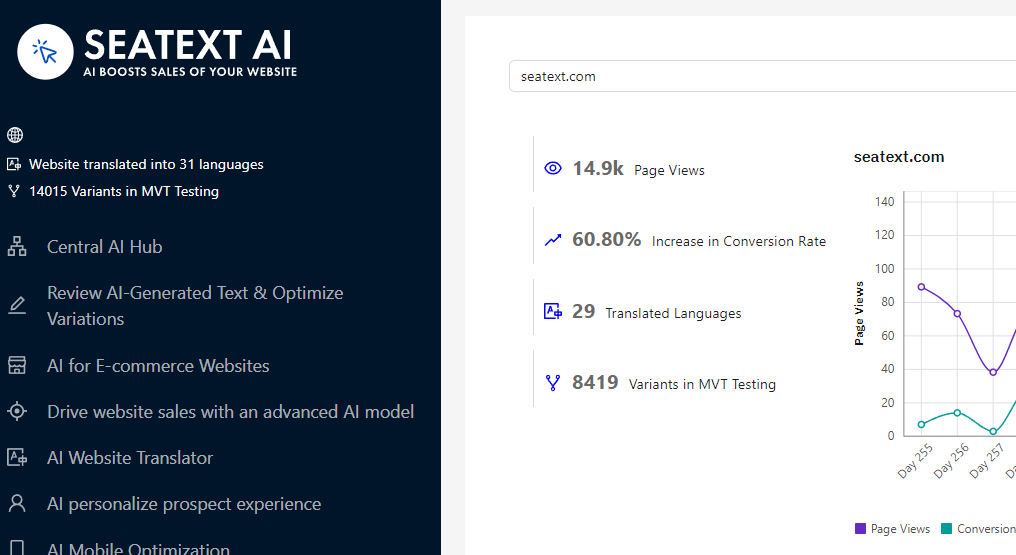
Активация ИИ: перейдите в Основной хаб ИИ, чтобы активировать нужные ИИ на выбранных страницах. Нажмите «Конфигурация», чтобы настроить параметры ИИ. Дополнительно: SEATEXT AI предоставляет первый раунд автоматических переводов и вариантов для тестирования. Войдите в аккаунт SEATEXT AI, откройте «Редактирование вариантов» в левой панели и выберите URL и язык для редактирования. Здесь можно просматривать, создавать или вручную править переводы для вариантов.
