Carrd installation
Carrd-integration
För att installera anpassad kod på din Carrd-webbplats behöver du ett Pro Standard-abonnemang eller högre.
Carrd-integration
För att installera anpassad kod på din Carrd-webbplats behöver du ett Pro Standard-abonnemang eller högre.
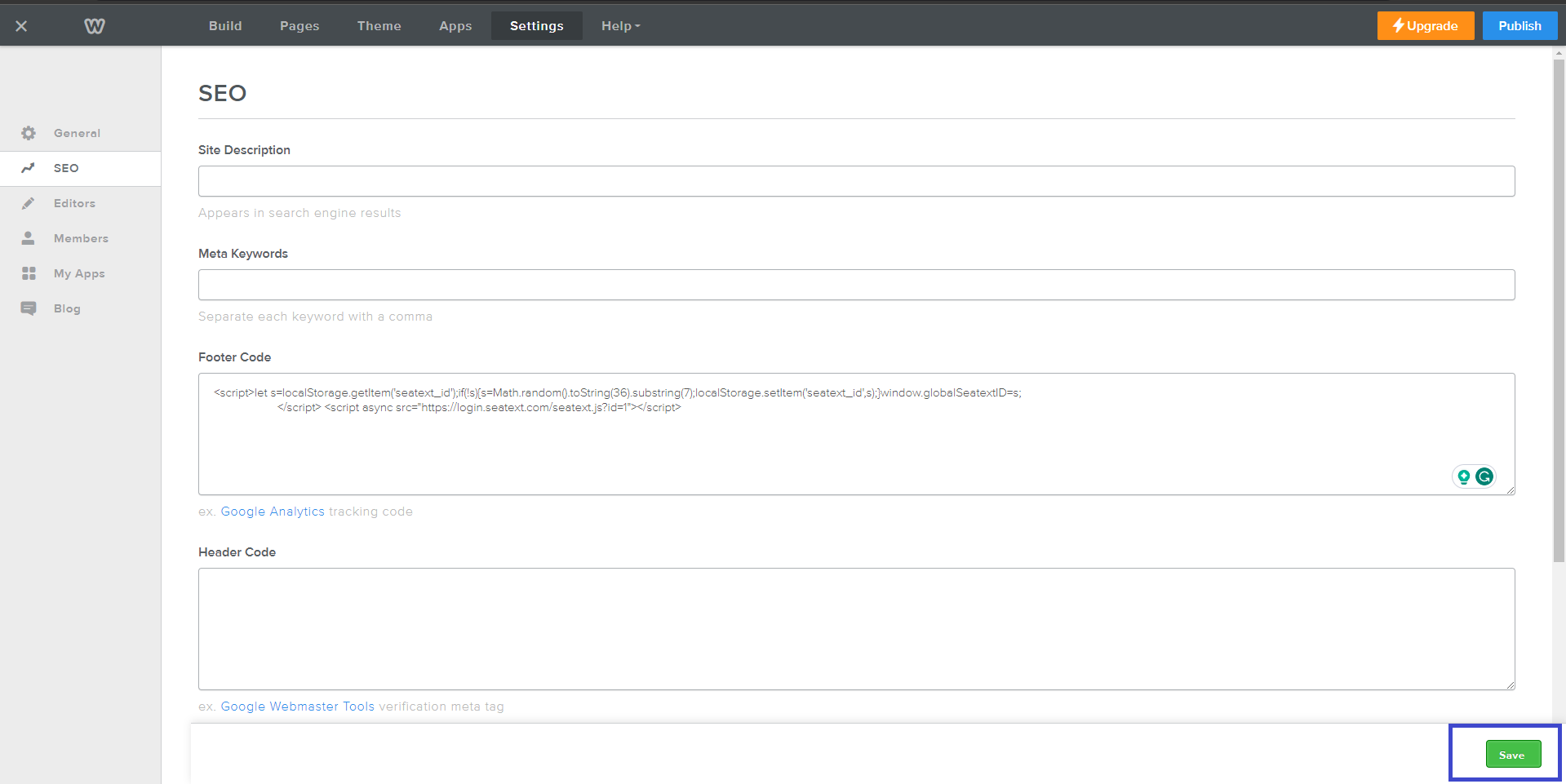
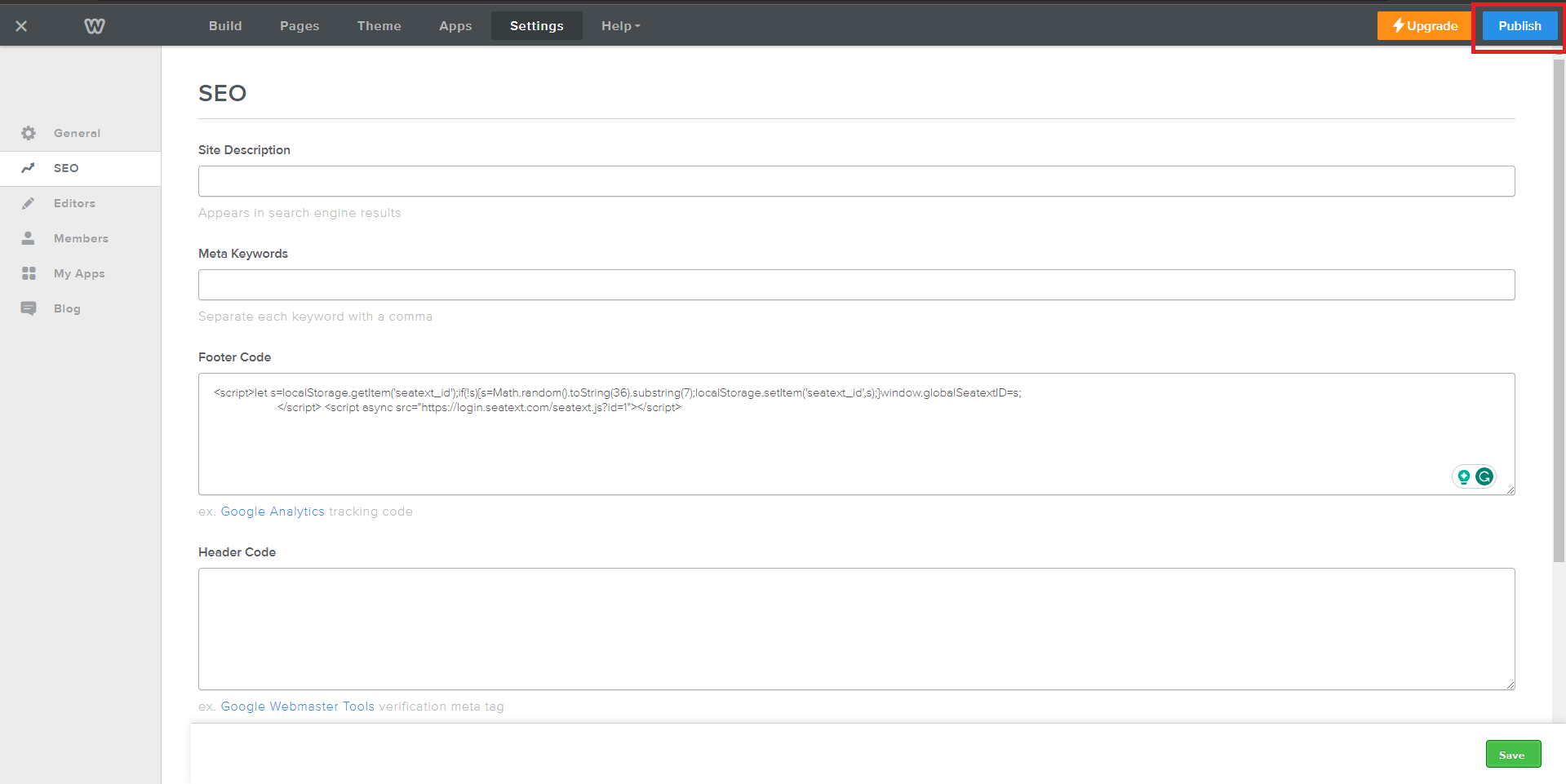
Copy the JavaScript code provided by SEATEXT AI, which can be found in the section below .
Steg-för-steg-integration
1
Copy the JavaScript code provided by SEATEXT AI, which can be found in the section below .
Steg-för-steg-integration
1
SEATEXTCODEINTEGRATION
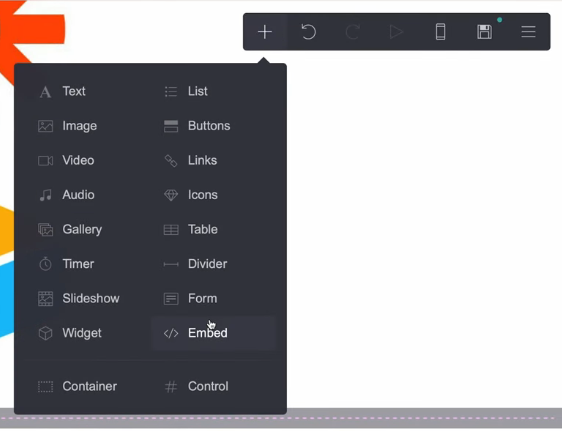
Access your website editor and navigate to the desired page where you wish to integrate SEATEXT AI. Click on "+ Add Element" and select " Embed" from the options provided.
Du har nu framgångsrikt installerat SEATEXT AI på din webbplats med hjälp av JavaScript.
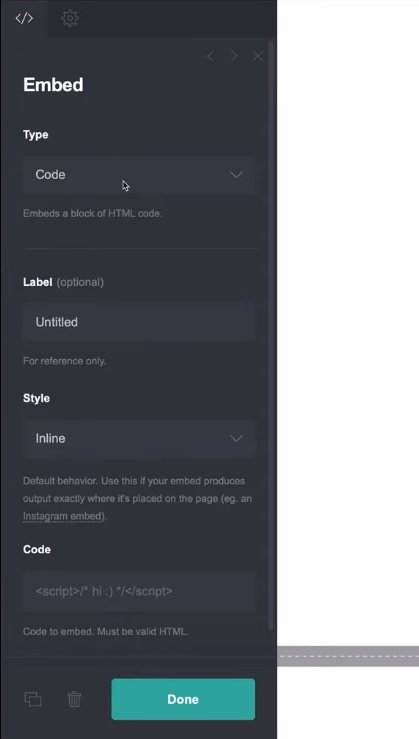
In the left panel, locate the "Type" option and choose "Code" from the dropdown menu. Adjust the embed's "Style" setting to "Hidden" to ensure seamless integration. Paste the code snippet provided by SEATEXT AI into the designated "Code" section. Once the code is inserted, click on "Done" to save your changes.
Klicka slutligen på "Spara" för att tillämpa integrationen och införliva SEATEXT AI i din Carrd-webbplats.
Access your website editor and navigate to the desired page where you wish to integrate SEATEXT AI. Click on "+ Add Element" and select "</> Embed" from the options provided.
Du har nu framgångsrikt installerat SEATEXT AI på din webbplats med hjälp av JavaScript.
Klicka slutligen på "Spara" för att tillämpa integrationen och införliva SEATEXT AI i din Carrd-webbplats.
In the left panel, locate the "Type" option and choose "Code" from the dropdown menu. Adjust the embed's "Style" setting to "Hidden" to ensure seamless integration. Paste the code snippet provided by SEATEXT AI into the designated "Code" section. Once the code is inserted, click on "Done" to save your changes.

Koppla SEATEXT AI till din webbplats
2
Koppla SEATEXT AI till din webbplats
2
a. Use the form below to add your website address in the format (www.example.com). SEATEXTURLPUSH
c. Vänta i minst fem minuter tills du ser ditt webbplatsnamn visas bredvid SEATEXT-logotypen högst upp på den här sidan. Detta indikerar att din webbplats är ansluten och redo att gå vidare till nästa steg. Om du inte ser det högst upp på sidan efter 10 minuter, kontakta vår supportteam omedelbart. Detta kan tyda på ett problem under installationen på din plattform, och du kan behöva vår hjälp.
IMPORTANT b. Visit your website once and stay on your page for at least 40 seconds—this will activate the AI and link it to your account.
a. Use the form below to add your website address in the format (www.example.com). SEATEXTURLPUSH
IMPORTANT b. Visit your website once and stay on your page for at least 40 seconds—this will activate the AI and link it to your account.
c. Vänta i minst fem minuter tills du ser ditt webbplatsnamn visas bredvid SEATEXT-logotypen högst upp på den här sidan. Detta indikerar att din webbplats är ansluten och redo att gå vidare till nästa steg. Om du inte ser det högst upp på sidan efter 10 minuter, kontakta vår supportteam omedelbart. Detta kan tyda på ett problem under installationen på din plattform, och du kan behöva vår hjälp.

Aktivering av AI
3
Aktivering av AI
3
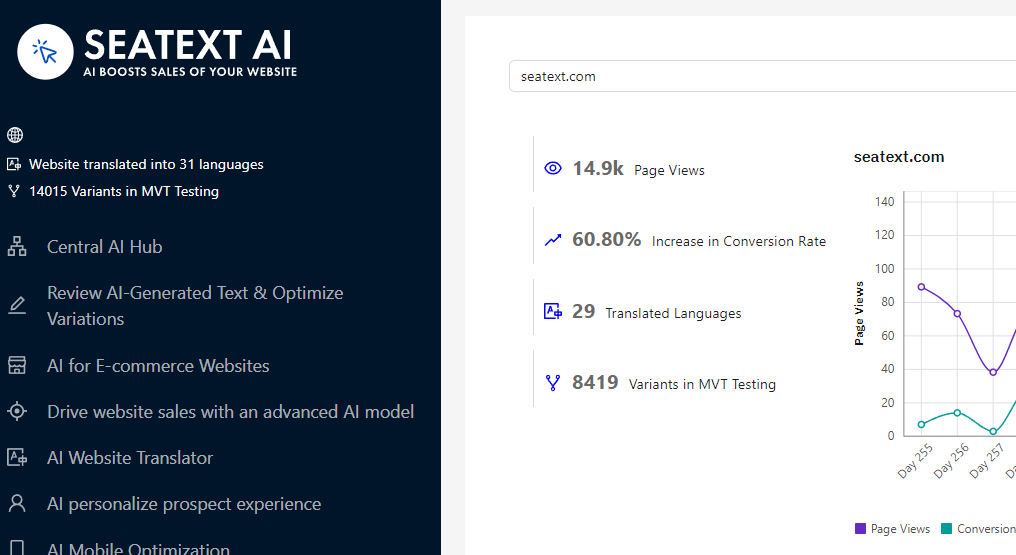
Proceed to the Main AI Hub to activate the necessary AI on your preferred pages. Click on "Configuration" to adjust the AI parameters. Optional Editing: SEATEXT AI provides your initial round of automatic translations and variants for testing. Log in to your SEATEXT AI account, navigate to "Variants Edit" in the left panel, and select the URL and language you wish to edit. Here, you can review, create, or manually edit translations for your variants.
Proceed to the Main AI Hub to activate the necessary AI on your preferred pages. Click on "Configuration" to adjust the AI parameters. Optional Editing: SEATEXT AI provides your initial round of automatic translations and variants for testing. Log in to your SEATEXT AI account, navigate to "Variants Edit" in the left panel, and select the URL and language you wish to edit. Here, you can review, create, or manually edit translations for your variants.