Shopify 集成
请按照以下步骤在您的网站上安装 Seatext。安装过程安全可靠,AI 在激活前保持静止,确保网站内容的完整性。安装脚本前,您需要先拥有 SEATEXT AI 账户。如果尚未注册,可在此创建。
Shopify 集成
分步集成
复制本节中出现的 SEATEXT AI Javascript 代码。
SEATEXTCODEINTEGRATION
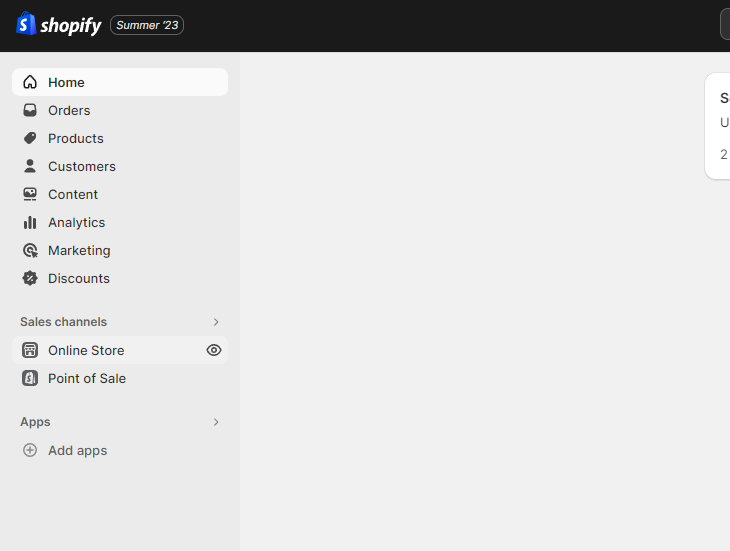
登录您的 Shopify 账户,进入“在线商店”栏目,然后选择“主题”。
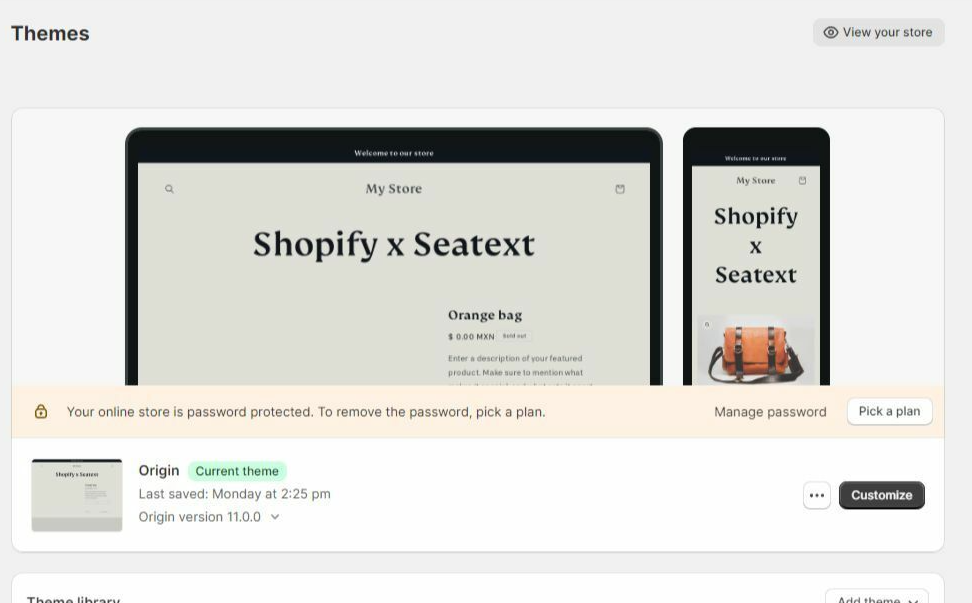
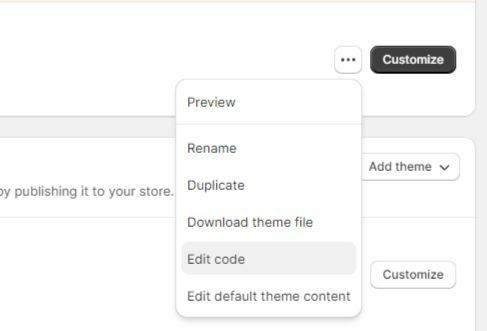
在“主题”页面,找到您想要翻译的主题,点击其旁边的三点图标并选择“编辑代码”。
在“编辑代码”页面,左侧会显示文件列表。进入“Layout”文件夹,找到名为 “theme.liquid” 的文件。
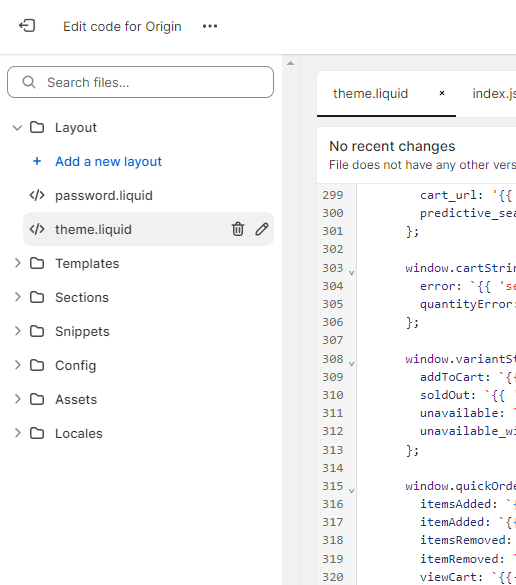
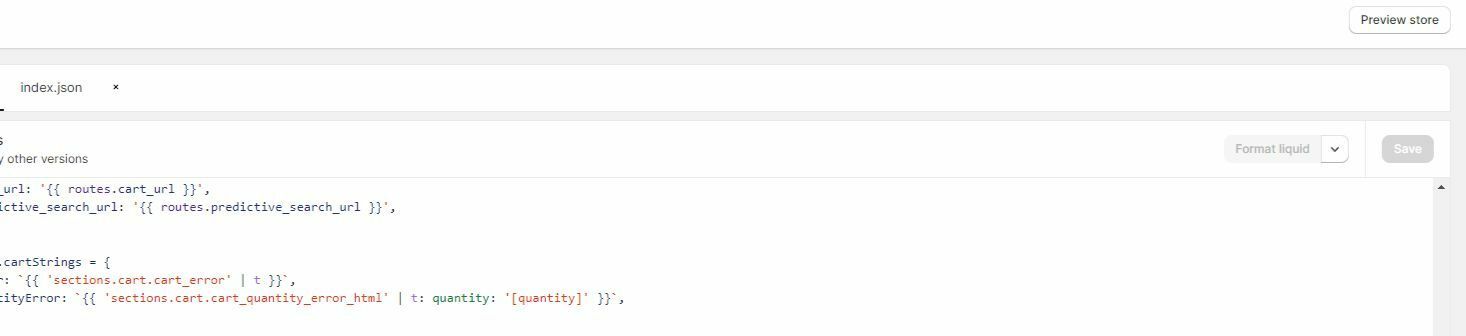
Within the theme.liquid file, scroll down to the bottom of the code. Here, you will find the closing </body> tag. Paste the JavaScript code snippet provided by SEATEXT AI directly above the closing </body> tag.


代码片段粘贴成功后,点击“保存”按钮以保存更改。
多域名 如果您需要在多个域名上使用 SEATEXT AI(例如开发域名和生产域名),必须为每个域名创建单独的账户。每个 SEATEXT AI 账户仅关联一个主 URL。出于安全考虑,开发 URL(如 localhost)受到限制。请务必使用有效的真实域名。动态开发域名可能无法正常工作,因为 SEATEXT AI 可能无法可靠地将流量关联到您的账户。使用 SEATEXT AI 在多个网站上时,请为每个网站创建一个账户。
重要提示:请多次访问或刷新您的网站,并在页面停留至少 40 秒——这将激活 AI 并将其关联到您的账户。
重要提示:请等待至少 5 分钟,直至在本页顶部的 SEATEXT 标志旁看到您的网站名称。这表明网站已成功连接,可进入下一步。如果 10 分钟后仍未显示,请立即联系支持团队。这可能是平台安装过程中出现的问题,您可能需要我们的帮助。
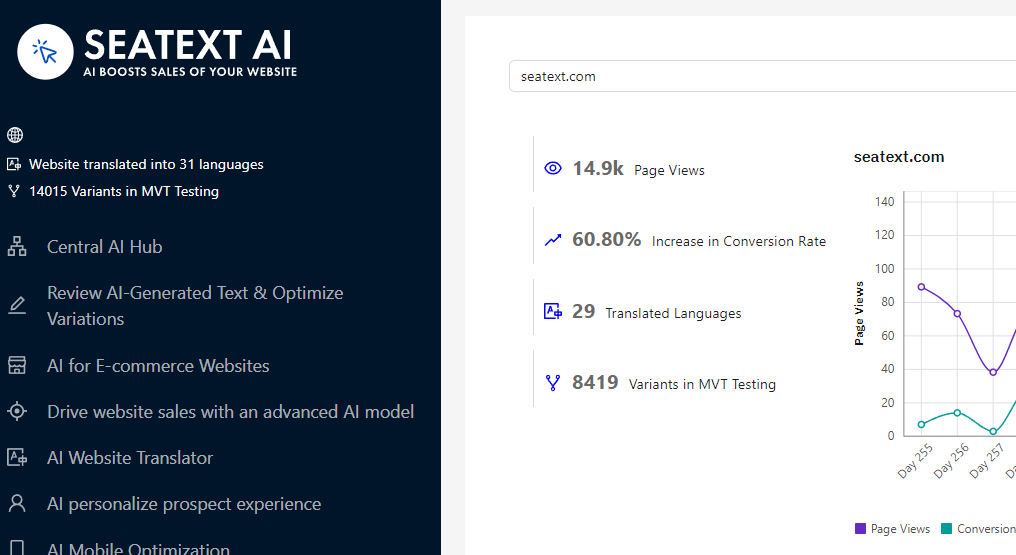
激活 AI:前往主 AI 中心,在您选择的页面上激活所需的 AI。点击“配置”以调整 AI 参数。可选编辑:SEATEXT AI 为您提供首轮自动翻译和变体供测试。登录 SEATEXT AI 账户,在左侧面板选择“变体编辑”,挑选要编辑的 URL 和语言。在此您可以查看、创建或手动编辑变体的翻译。
Implement the seatextonly Tag in Your Product Descriptions To optimize your product descriptions effectively, please follow these steps: Step 1: Access Your Shopify Theme Code Log in to your Shopify admin and navigate to Online Store > Themes . Click on Actions > Edit Code for your active theme. Step 2: Locate the Product Template Identify the file that renders the product description (typically named product.liquid or located within product-template.liquid ). Step 3: Wrap the Product Description Find the product description output code, which usually appears as:
{{ product.description }}
Modify this code to wrap it in a <div> with the data-seatextonly attribute as follows:
<div data-seatextonly> {{ product.description | raw }} </div>
Step 4: Test Your Changes Save your changes and preview a product page to ensure the description is displayed correctly. Verify that the data-seatextonly attribute is present in the HTML source (you can inspect this using your browser’s developer tools). For additional details, please refer to our documentation here: https://seatext.com/documentation-ai-scope
