WordPress 整合

Install Seatext on your website by following the instructions below. The installation process is secure, and the AI remains inert until activated, ensuring the integrity of your website's content. Before you can install the script, you need a SEATEXT AI account. If you don't have an account yet, you can create one HERE

WordPress 整合

Step by step integration

Copy the Javascript code from SEATEXT AI which appear in this section below.

SEATEXTCODEINTEGRATION

建議的在您的網站上安裝 SEATEXT AI 的方式是使用 WPBeginner 的 Headers and Footers 外掛。這將讓您輕鬆在 WordPress 網站中加入程式碼片段。

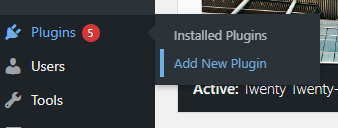
前往您的 WordPress 網站管理儀表板,點選「Plugins」,再點「Add new」。

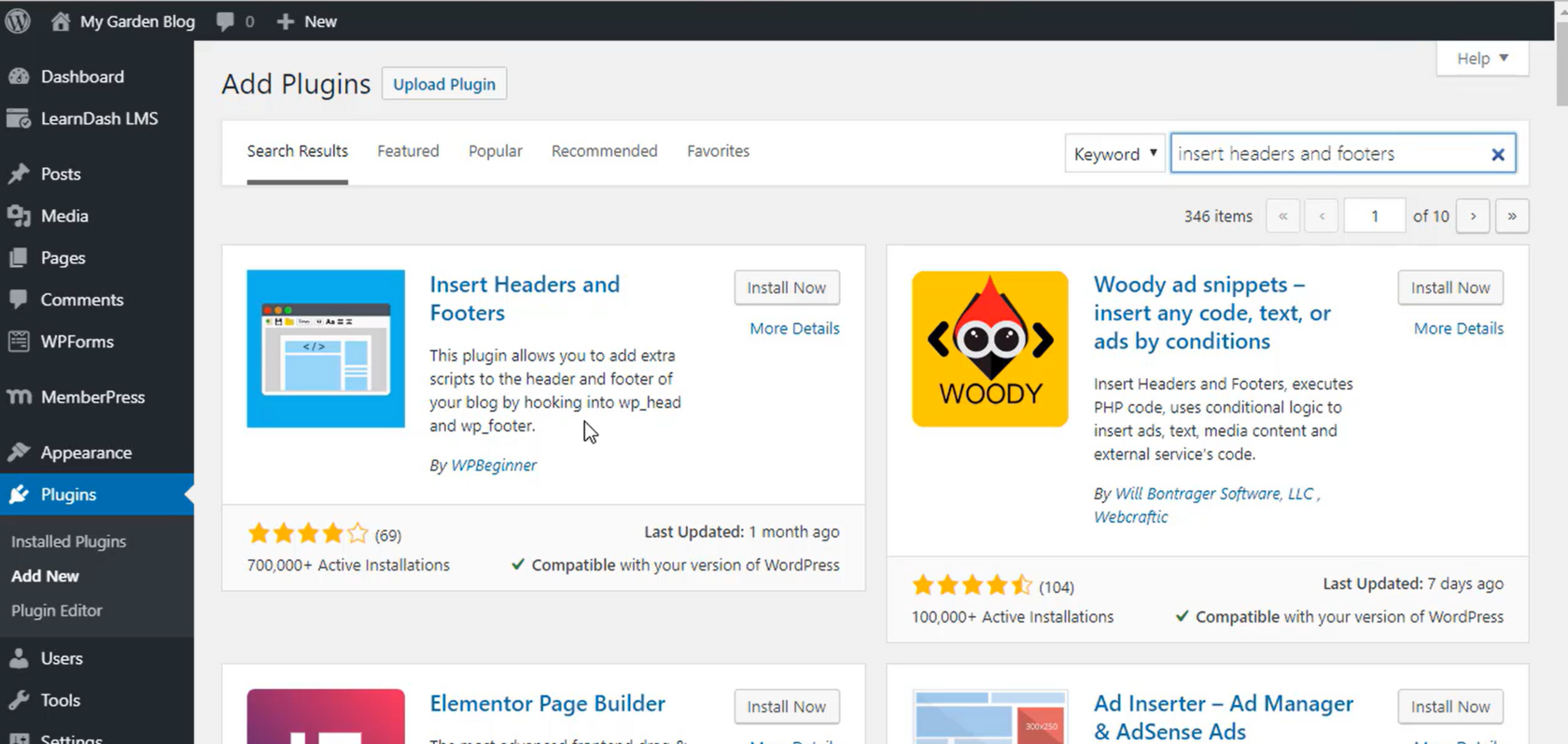
2 . 在外掛搜尋框輸入「Insert Headers and Footers」後並安裝外掛。

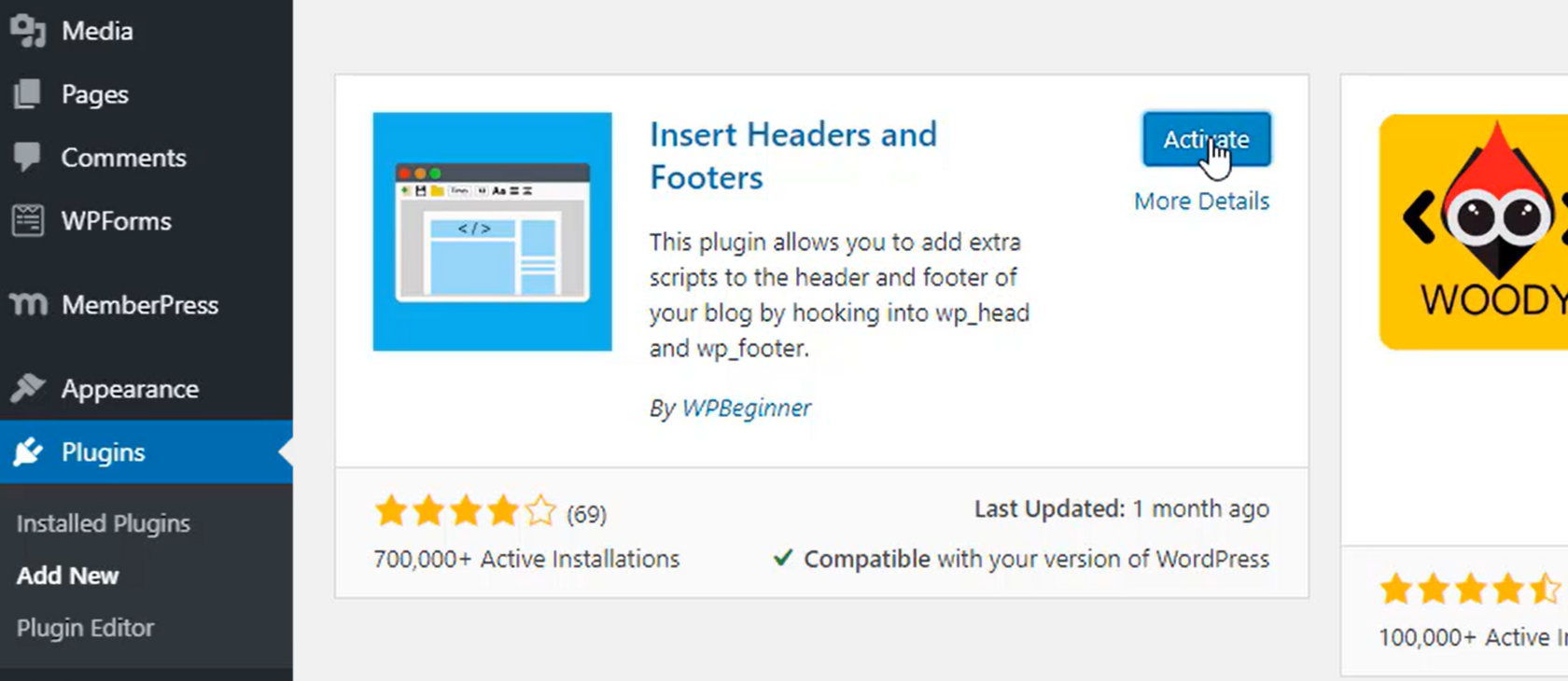
3 . 完成安裝後,啟用 plugin。

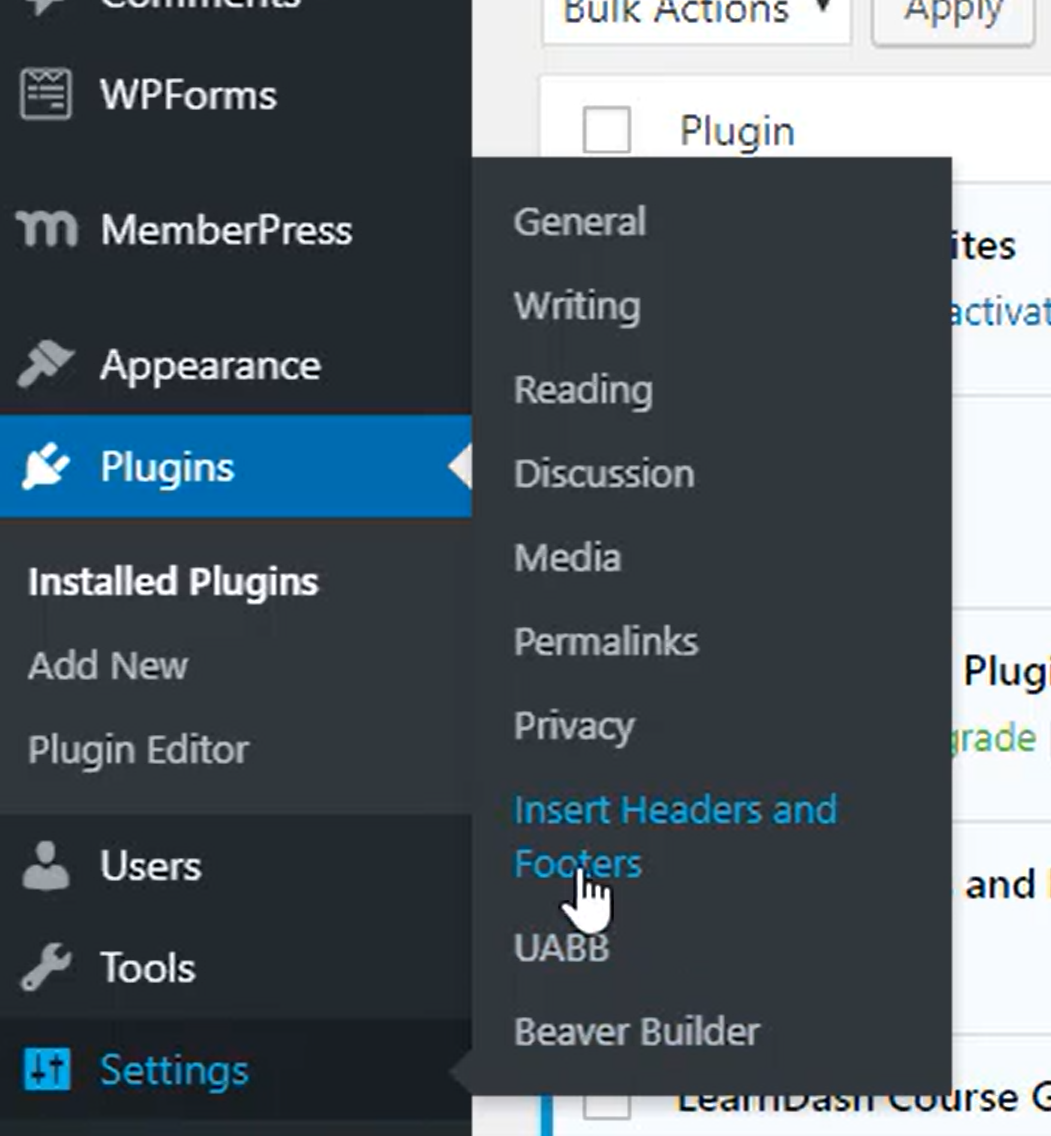
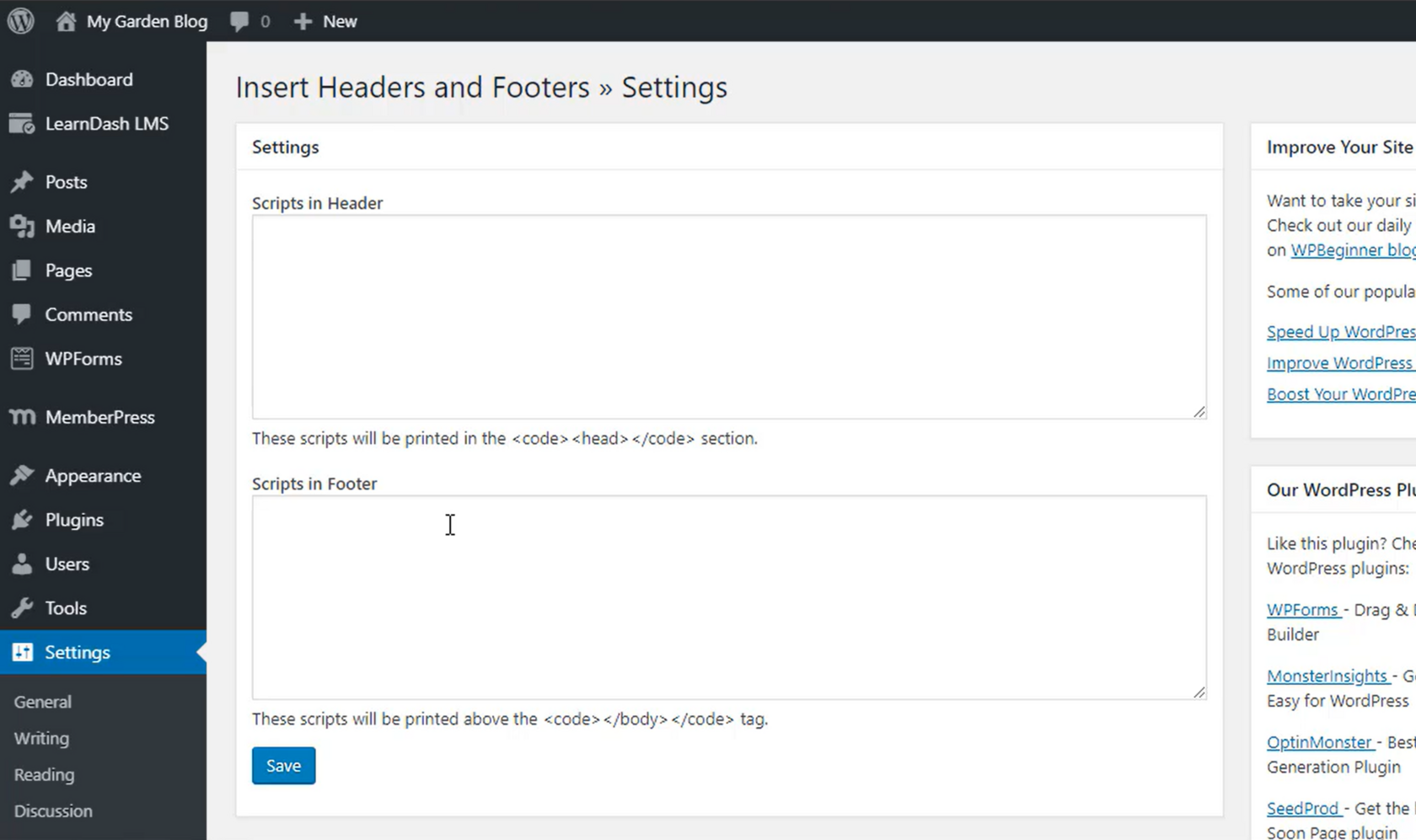
4 . 前往 Settings,選擇 Insert Headers and Footers。

5 . 把 SEATEXT AI 的程式碼貼入「Scripts In Header」後,點選「Save」保存。

Important: Visit or refresh your website several times and stay on your page for at least 40 seconds—this will activate the AI and link it to your account.

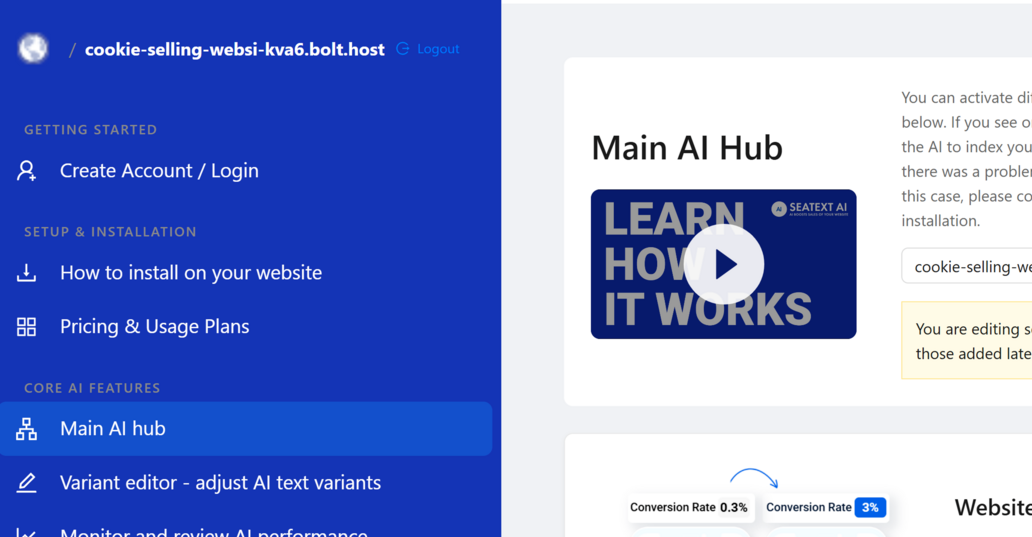
6 . 安裝 SEATEXT AI 後,您的網站名稱會在幾分鐘內顯示於 SEATEXT 帳戶左上角。若未出現,請隨時與我們聯繫,我們會盡快回覆 as。

Important: Wait at least five minutes until you see your website name displayed next to the SEATEXT logo at the top of this page. This indicates that your website is connected and ready to proceed to the next step. If you do not see it at the top of the page after 10 minutes, please contact our support team immediately. This could indicate an issue during the installation on your platform, and you may need our assistance.

Multiple Domains If you need to use SEATEXT AI on multiple domains (e.g., a development domain and a production domain), you must create separate accounts for each domain. Each SEATEXT AI account is linked to a single primary URL. Restrictions and Security Development URLs, such as localhost, are restricted for security reasons. Ensure you use a valid, real domain for these cases. Dynamic development domains may not function properly, as SEATEXT AI might be unable to reliably associate traffic with your account. Using SEATEXT AI on Multiple Websites To use SEATEXT AI on several websites, create one account for each website.